
How to Apply for an e Visa Step by Step
Applying for an e visa replaces the old routine of mailing your passport to an embassy or waiting in a consular queue. You fill out a form, upload your documents, pay a fee, and receive a digital authorization linked to your passport number. As of mid-2026, 108 of 138 countries tracked by EntryCheck issue e-visas, and 68 of those process applications within one day or less. This guide walks you through the full application process, from choosing the right portal to clearing immigration on arrival.
Key Takeaways
Apply for an e visa only on the official government portal of your destination country to avoid scams and invalid visas.
Before you apply online, prepare your passport scan, a recent photo, travel details (flights and accommodation), and a working international payment card.
The application process usually involves creating an account, selecting the correct visa type (such as tourist e visa or single entry), filling in details, uploading documents, and paying the fee.
After submitting your visa application, you can normally track the status online; do not book non-refundable travel until approval is confirmed.
Requirements and fees differ by country (for example, India, Thailand, or the United Kingdom), so always check the latest rules on the official site before you apply.
Only apply on the official e visa portal
Every country that offers an e visa runs its own government portal. Thailand's system lives at thaievisa.go.th. India uses indianvisaonline.gov.in. The United Kingdom routes applications through the GOV.UK domain. Only apply through these official sites.
Dozens of look-alike domains charge service fees on top of the real visa fee, sometimes doubling or tripling the cost. Worse, some harvest passport details and personal data without ever submitting a real application. India's official portal displays an explicit warning that no other website is authorized to process e-visa applications.
Before you start, verify the portal link from the destination country's embassy or foreign ministry page. A legitimate site will show government logos, use a secure https address, and list available visa types (tourist e visa, business, transit, and others) with official fee schedules. If a site asks for fees that don't match what the embassy lists, close it.
Before you start: documents and details to prepare
Gathering your documents before you begin the visa application saves time and reduces errors that trigger delays or rejections. Here is what you need on hand:
A passport valid for at least six months beyond your planned arrival date, with at least one empty page for the entry stamp.
A recent passport-style photograph in digital format: plain white or light background, taken within the last six months, meeting the portal's pixel and file-size rules (India, for example, requires JPEG format between 10 KB and 1 MB).
Travel details: provisional or confirmed flight bookings, planned date of entry and exit, and accommodation reservations. Some countries accept a hotel booking confirmation; others require an invitation letter from a host.
Proof of funds if the destination country requests financial evidence, such as recent bank statements or credit card limits.
An international debit or credit card (Visa, MasterCard, or another accepted network) ready to pay the e visa fee online.
Having these items ready before you sign in to the portal means you can complete the application form in a single session without scrambling for missing files.
Choosing the right visa type (tourist e visa and more)
Selecting the wrong visa type is one of the fastest ways to get a rejection. Most e visa portals list several categories: tourist, business, transit, medical, conference, and sometimes student or media visas. Pick the one that matches what you will actually do in the country.
A tourist e visa typically covers leisure travel, sightseeing, and visiting family or friends. Stay limits vary. India's portal offers 30-day single entry, 1-year multiple entry, and 5-year multiple entry tourist e-visas. The 1-year and 5-year options cap total stay at 180 days per calendar year. Thailand's tourist e-visa categories differ again, and the allowed stay length depends on nationality.
Single entry means you cross the border once; if you leave, the visa expires. Multiple entry lets you re-enter during the validity period. Multiple-entry visas cost more but suit travelers visiting neighboring countries mid-trip.
Travelers heading to the United Kingdom should check whether they need an e visa, an Electronic Travel Authorisation, or a traditional visa. The UK's ETA applies to visa-exempt nationals as a pre-travel permission, while nationals who otherwise need a visa follow a different online process. Rules differ sharply by nationality.
Using a tourist e visa for paid work can result in refusal at the border, deportation, or future visa denials.
How to apply online: step-by-step application process
Most countries follow a similar online workflow, even though their portals look different. Here is the typical sequence:
Create an account on the official portal using your real email address and a secure password. For Thailand, you create an account on thaievisa.go.th with your email. For the UK, you must set up a UKVI account to access your eVisa. Verify your email before logging in.
Select destination, visa type, and stay length. Choose tourist e visa, business, or transit. Pick single entry or multiple entry. Select your planned duration (for example, 30 days).
Fill in personal details. Enter your name, date of birth, nationality, and home address exactly as written in your passport. Even a minor spelling difference between the form and the passport bio page can trigger delays.
Enter travel details. Provide your planned entry and exit dates, port of arrival, accommodation address, and a contact number in the destination country.
Review everything. Before moving to the document upload and payment sections, check every field on the summary page. A mistyped passport number or wrong date of birth will cause problems that are harder to fix after submission.
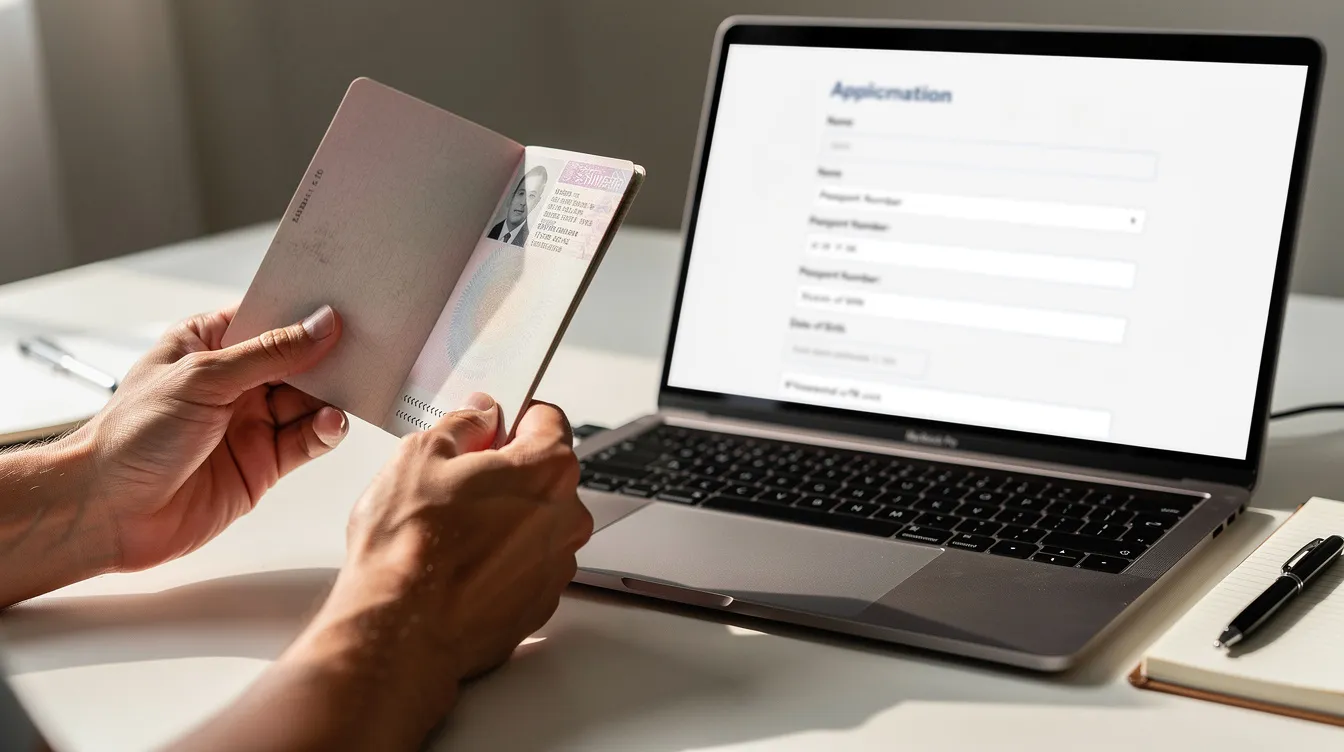
Uploading documents and paying the e visa fee
Most e visa portals ask you to upload scans or photos of documents in JPEG or PDF format. Digital copies of supporting documents such as passport information must be accurate to avoid rejections.
What to upload:
Passport bio page (the page with your photo and details). India requires this as a JPEG or PDF under 300 KB.
A recent passport-style photo matching the portal's specs: no glare, no shadows, full face visible, correct crop and background.
Supporting evidence such as flight bookings, hotel confirmations, or an invitation letter, depending on what the country has requested.
Technical requirements to note:
Check the maximum file size and minimum resolution before you upload. A blurry scan or an oversized file will be rejected.
Ensure all text on scanned documents is clearly readable.
Paying the fee:
Online applications for e-visas require payment through accepted online methods, typically Visa or MasterCard. For Thailand, the single-entry e-visa fee is around THB 1,000, and the multiple-entry e-visa fee is about THB 5,000. Confirm the current visa fees on thaievisa.go.th before you pay. India's fees vary by nationality and visa duration.
Visa fees are non-refundable after payment is made, even if the application is rejected. Save or screenshot the payment confirmation and your application reference number immediately after you submit.
After you submit: tracking your application status
Once you submit your visa application, the portal assigns a reference number. Use this number along with your passport details to check your application status.
Most portals display one of several status messages:
Status | What it means |
|---|---|
Received | The system has your application |
Under review | An officer is examining your documents |
Additional documents requested | You need to upload more proof within a set deadline |
Approved | Your e visa is ready to download |
Rejected | The application was denied |
Processing time varies. Thailand's e-visa can take up to 14 working days. Some countries approve tourist e-visas within 24 to 72 hours. India requires applications at least 4 days before arrival but recommends applying earlier, especially during peak travel months.
Submit your application at least three weeks before travel to account for processing delays or requests for additional documentation. Do not purchase non-refundable flights or hotels until your status shows "Approved" and you have the official e visa PDF.
If the system requests extra documents, you typically have a specific deadline to upload them. Missing that date can cancel the application entirely.
Receiving, checking, and printing your e visa
When approved, the e visa is emailed to you after approval, usually as a PDF attachment. You can also download it from your account dashboard on the portal.
Before you rest easy, verify these details on the PDF:
Name spelling matches your passport exactly
Passport number is correct
Date of birth, visa type (tourist e), validity dates, and allowed number of entries (single entry or multiple) are all accurate
Receiving and saving confirmation of your e visa approval should be done digitally and physically. Print at least two copies and keep a digital copy saved on your phone or cloud storage. Some border officers scan the QR code or barcode on the e visa but still require a printed copy at the immigration counter.
Carry the same passport used during the application. Linking an e-visa application to the correct passport is essential for successful travel. If you renew your passport between application and travel, you will likely need a new e visa.
At the border: using your e visa on arrival
An approved e visa does not guarantee entry. The border officer at the port of arrival makes the final decision.
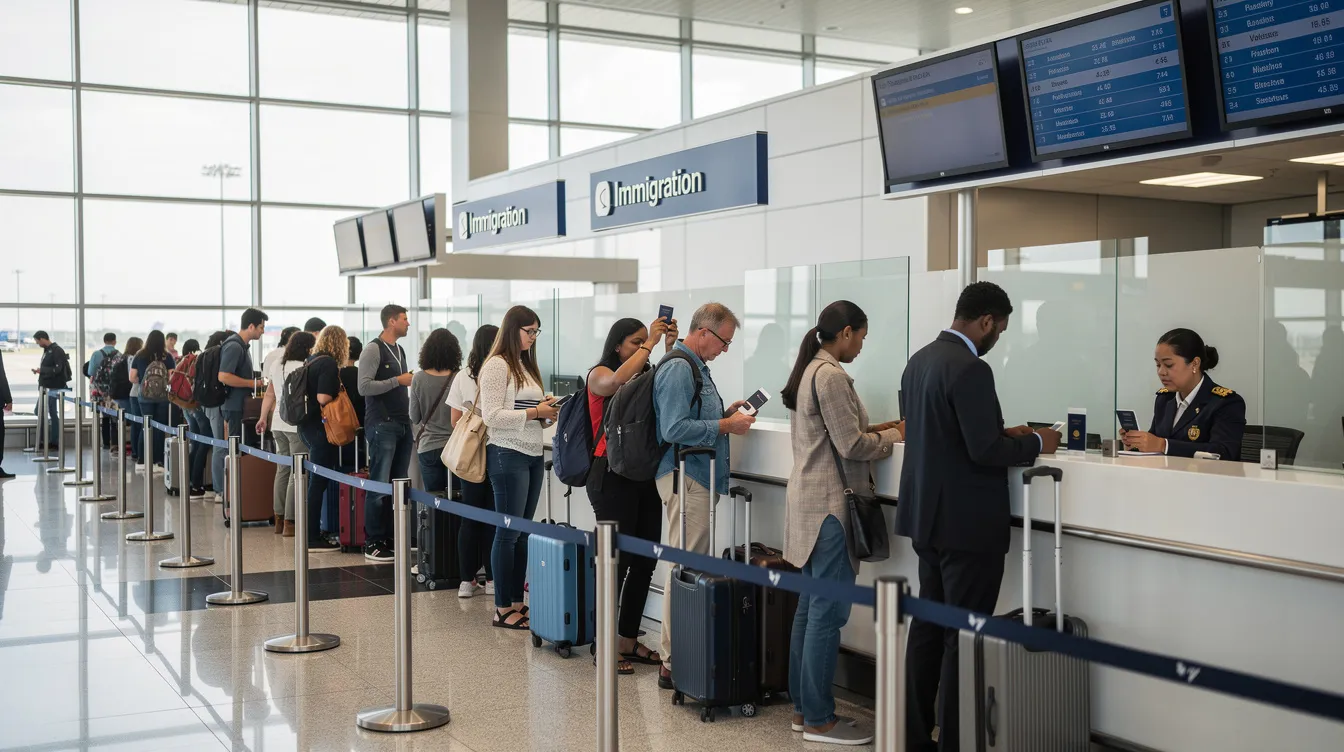
On arrival, follow signs for the e visa or regular immigration lanes. Present your passport, printed e visa, and boarding pass. Officers may ask to see your travel details again: return ticket, proof of accommodation, and financial means to support the stay. Be ready with these documents.
For Thailand specifically, the Thailand Digital Arrival Card is free and mandatory. The Digital Arrival Card replaced the old paper TM6 form. The Digital Arrival Card must be filed within 72 hours before arrival. Complete it online before you land.
Officers can question visitors about the purpose of their visit and length of stay, especially when using a tourist e visa. Keep answers consistent with what you wrote on the application form. Overstaying beyond the days granted at entry results in fines, bans, or problems with future visa applications.
Country-specific notes (example: United Kingdom and others)
The general application process is similar across countries, but the details differ enough to trip up travelers who assume one country's rules apply everywhere.
The United Kingdom has been phasing out physical visa stickers since 2025, replacing them with digital permissions. UK e visa and ETA requirements vary sharply by nationality and purpose of visit.
India's e-visa portfolio is among the broadest: e-Tourist, e-Business, e-Medical, e-Conference, e-Student, and more. Applicants can apply up to 120 days before arrival. Photo and document format rules are strict, and the portal enforces specific pixel dimensions and file sizes.
Thailand issues its e-visa through thaievisa.go.th. The e-visa must be applied for before travel. Processing takes up to 14 working days, and the single-entry e-visa fee is around THB 1,000. Check thaievisa.go.th for current fees and processing times.
Japan launched an e-visa system in May 2026 for nationals of certain countries, allowing single-entry short-term tourism stays of up to 90 days.
Do not rely on outdated blog posts or social media advice. Immigration rules change with little notice. Always confirm requirements on the official portal for your nationality before you apply.
Protecting your trip and common mistakes to avoid
Errors in the visa application waste both time and money. Here are the mistakes that cause the most rejections and delays:
Entering passport details incorrectly (transposed digits, wrong expiry date)
Uploading unclear document scans with glare, shadows, or cut-off text
Choosing the wrong visa type (for example, tourist e visa when business is the correct category)
Giving inconsistent travel dates across different fields
Applying too close to the travel date, leaving no buffer for review requests
Submitting an e-visa application well in advance is the single most effective way to protect your trip. Apply early enough that you can correct any issues the authorities flag without scrambling.
Consider purchasing comprehensive travel insurance that covers non-refundable costs, including visa fees and flights, if plans change unexpectedly. Carefully reading every screen and double-checking all data before submission improves your chance of quick approval.
Frequently Asked Questions
Can I apply for an e visa if I am already abroad?
Most countries require you to apply while outside their territory, often from your country of residence. Thailand, for example, requires applicants to be outside Thailand when submitting through thaievisa.go.th. Applying from within the destination country is usually not allowed.
Do I need to print my e visa if it is linked to my passport electronically?
Even when the e visa is electronically linked to your passport, many airlines and border officers still request a printed copy. Carry at least one printout and keep a digital backup on your phone.
Can I change travel dates after submitting my e visa application?
Minor changes within the visa's validity window are sometimes acceptable, but if entry dates or trip length change by more than a few days, you may need to submit a new visa application and pay the fee again. Rules on this vary by country.
What happens if my e visa is refused?
Fees are non-refundable. You can typically reapply with corrected information or additional documents. If the refusal notice is unclear, contact the relevant embassy or consulate for clarification before resubmitting.
Is an e visa the same as visa-free entry or visa on arrival?
No. An e visa is an online visa obtained and approved before travel. Visa-free entry means no visa or application is needed for short stays by eligible nationals. Visa on arrival is purchased at the airport upon landing. Each has different eligibility rules, costs, and allowed stay lengths.