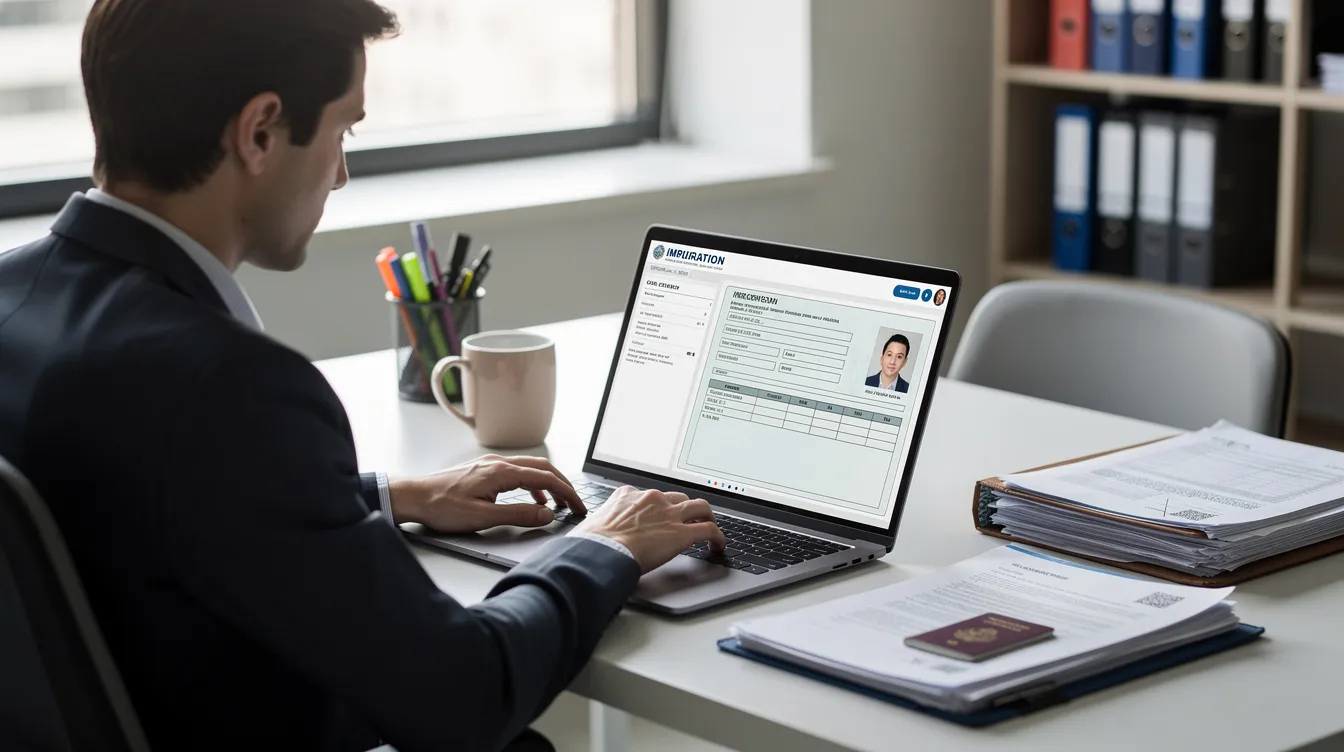
How to Check Your UK eVisa and Online Immigration Status
If you hold a UK visa or have been granted permission to stay, your immigration status is now stored digitally by the Home Office. Whether you need to confirm your right to work, rent a flat, or simply want peace of mind before travelling, knowing how to run an eVisa status check is essential. This guide walks you through every step, from your first login to troubleshooting problems with your record.
Quick guide: how to check your eVisa status right now
Most people can check their UK eVisa or online immigration status in under five minutes. An eVisa is an online record of immigration status - the Home Office's digital version of your permission to enter or stay in the UK. It replaces physical documents like Biometric Residence Permits for many visa holders.
Here is how to check your status immediately:
Search Google for "UK view and prove immigration status."
Click the result from gov.uk (the official government page).
Select "View your immigration status" or "Prove your immigration status."
Sign in using the identification details linked to your account.
What you need to sign in:
The email address or mobile number you used in your UK visa application or UKVI account registration.
Your passport details, BRP number, or national identity card number.
Your date of birth.
A security code is sent for verification when signing in - this arrives via email or SMS.
To view your status, you need to go to the official GOV.UK site. The immigration status checking method depends on the country's immigration portal, and for UK immigration this means the "View and prove" service specifically.
What you should see if your eVisa is active:
Your visa or ILR type (e.g. "Skilled Worker visa" or "Indefinite Leave to Remain").
Start date and expiry date (or "no time limit" for ILR).
A section labelled "What you can and cannot do in the UK" showing conditions such as work rights, study permissions, and access to public funds.
An option to generate a share code for third parties.
You can view your eVisa through a UKVI account and verify your eVisa status through it at any time.
If you cannot see your current permission:
Your identity document may not be linked to the system yet.
You may have signed in with the wrong email or passport details.
You may not hold a current UK visa.
If your status isn't showing, don't panic. The troubleshooting section later in this article covers exactly what to do.
What an eVisa is (and how it relates to your immigration status)
A UK eVisa is not a new visa type. It is your digital immigration status, not a separate visa - it is simply the Home Office's online record of whatever immigration permission you already hold. An eVisa is effectively your digital immigration status, stored in the UKVI system and accessible through your account.
Physical documents vs. the digital record:
Physical evidence includes visa vignette stickers in your passport, Biometric Residence Permit (BRP) cards, and wet-ink stamps.
The online immigration status record is now considered primary proof for many UK visas.
eVisa is part of the UK's digitalisation process for immigration, and physical BRPs have been phased out for most categories since the end of 2024.
What "immigration status" actually means in practice:
Your digital immigration status includes the type of visa, expiry date, and conditions attached to your leave. An eVisa shows the conditions of permission to enter the UK - such as whether you can work, study, claim public funds, or access NHS services.
Common UK visas that now use an eVisa:
Skilled Worker visa
Health and Care Worker visa
Student visa and Graduate visa
Global Talent visa
Family visas (spouse, partner, parent)
EU Settlement Scheme (settled and pre-settled status)
Indefinite Leave to Remain (ILR)
From 1 January 2025, BRP cards were expected to be phased out in favour of the UK eVisa for most categories. The Immigration (Biometric Information etc.) (Amendment) Regulations 2025 formalised this transition. If you hold ILR granted in 2023–2024, your underlying immigration status is already stored digitally even if you still have a physical BRP. You can usually view it online right now.
How to check if you already have a UK eVisa linked to your account
A common source of confusion: having a UKVI account does not mean you have an eVisa. You may have created an account to apply for a UK visa, book biometrics, or track a visa application - but the eVisa enrolment may still be incomplete.
Checklist to confirm your eVisa is active:
You can sign into the "View and prove your immigration status" service on GOV.UK.
Your current UK permission appears correctly (e.g. "Indefinite leave to remain, granted 15 February 2024, no time limit").
The service offers to generate a share code.
If all three are true, your record is functioning as your eVisa. You must follow UKVI steps to obtain your eVisa if any of these are missing.
Scenarios where further action is needed:
You used a UKVI account in the past to apply for a visa or book biometrics, but you never completed the identity linking step.
Your passport has changed since you last applied, and you haven't updated the details.
You created your account before the eVisa rollout and never responded to the enrolment invitation.
What the 2024 UKVI emails asked you to do:
Starting in April 2024, the Home Office began sending emails to BRP holders inviting them to create or access their UKVI account. These emails typically asked you to confirm your email, sign in, and add your current passport number or travel document. By January 2025, over 4 million people had successfully completed this process, with roughly 600,000 still needing to act.
UKVI will typically send an email update when a decision has been made on your eVisa application. During the process, application statuses can include options like "Under Consideration" or "Decision Made."
Dealing with duplicate accounts:
Always use the email address you used most recently with the Home Office.
If you are unsure which account is correct, attempt account recovery rather than creating a new profile.
Following GOV.UK instructions to link your documents does not create a second immigration record - it connects your existing status to your current passport.
Think of it this way: linking your passport to your account is like updating your contact details, not applying for something new.
Step-by-step: checking and proving your UK eVisa status to others
Once you have confirmed your eVisa, the next step is knowing how to prove your immigration status to people who need to verify it - employers running right-to-work checks, landlords confirming your right to rent, universities during enrolment, or airlines before you board.
How to generate a share code:
Select what you want to prove: right to work, right to rent, or another right.
Sign in with your email, passport or identity document details, and date of birth.
Click to create a share code.
You can generate a share code to prove your status to third parties. The share code remains valid for 90 days and can be used multiple times within that period.
What the other person sees when they enter your code:
Detail shown | Example |
|---|---|
Name | Jane Smith |
Photo | Your immigration photo |
Type of permission | Skilled Worker visa |
Right to work | Yes - can work in the UK |
Right to rent | Yes |
Expiry date | 30 September 2027 (or "no time limit") |
Travel and border checks:
From late 2024 onwards, many UK residents with an eVisa show only their passport at the border. Border Force checks the digital record instead of a BRP or vignette sticker. If you renew your passport, you must update your online immigration status so the eVisa is correctly tied to your new document. Failing to do this before travel can lead to boarding problems.
What to check every time you log in:
Name spelling matches your current passport.
Date of birth is correct.
Visa type and expiry date match your decision letter.
If anything is incorrect, use the official GOV.UK correction form or contact UKVI to report the error.
Data security:
Sign out after each session.
Never share your UKVI password.
Only give share codes to trusted organisations that genuinely need to confirm your status.
Troubleshooting common eVisa and online immigration status problems
Some people will find that their online record does not match their expectations. This is especially common if you changed passports, received ILR recently, or held multiple UK visas over the years.
Common issues and how to resolve them:
Cannot log in to your UKVI account:
Double-check that you are using the correct email address - try alternative addresses you may have used with the Home Office in the past.
Request a password reset rather than creating a new account.
Make sure you can receive verification codes on the registered email or mobile number.
Online immigration status not showing your latest grant:
The eVisa record may take a few hours (sometimes longer) to appear after a decision is made.
Try signing in with a different identity document - for instance, your BRP number if your passport is not recognised.
Look for a decision confirmation email from UKVI and check whether it includes specific instructions to access your record.
Details do not match your passport:
If you renewed your passport without updating UKVI, your status may still be tied to the old document.
Follow the GOV.UK process to update your passport or travel document details in your account.
BRP expires on 31 December 2024 but you hold ILR:
The expiry date on a BRP refers to the card's validity, not your immigration permission. If you hold ILR (indefinite leave to remain), your permission has no time limit.
You should have followed GOV.UK instructions to move to a UK eVisa before the BRP expiry. Expired BRPs were temporarily accepted for travel until 1 June 2025, but are no longer valid evidence after that date.
You suspect an error in your recorded status:
If your UK eVisa shows a shorter visa than your decision letter states, or the wrong visa type, use the official "Report a problem with your immigration status" page on GOV.UK.
Keep a copy of your original decision letter and any correspondence as evidence.
When to escalate:
Imminent travel within days and your eVisa is not showing - contact UKVI by phone or webchat.
An employer has rejected your right-to-work check because of a system error - ask the employer to use the Employer Checking Service as a temporary measure while you resolve the issue.
Your nationality or personal details are recorded incorrectly and you cannot fix them through the self-service process.
This article provides general information about UK immigration processes. Complex cases involving criminal records, past overstaying, appeals, or complicated EU Settlement Scheme histories often need qualified legal guidance from a registered immigration adviser.

Key takeaways
An eVisa is an online record of immigration status - not a new visa type.
You can view and prove your status through the GOV.UK "View and prove your immigration status" service using your UKVI account.
Always keep your passport and personal details up to date in the system, especially after renewing travel documents.
Share codes are valid for 90 days and let employers, landlords, and other organisations verify your rights without accessing your account.
If your record looks wrong, report it through GOV.UK rather than waiting until you need to prove your status urgently.
Don't wait until a landlord asks for your right-to-rent evidence or a new employer needs your right-to-work proof. Log in today, confirm your details are correct, and generate a share code so you are ready when the time comes.