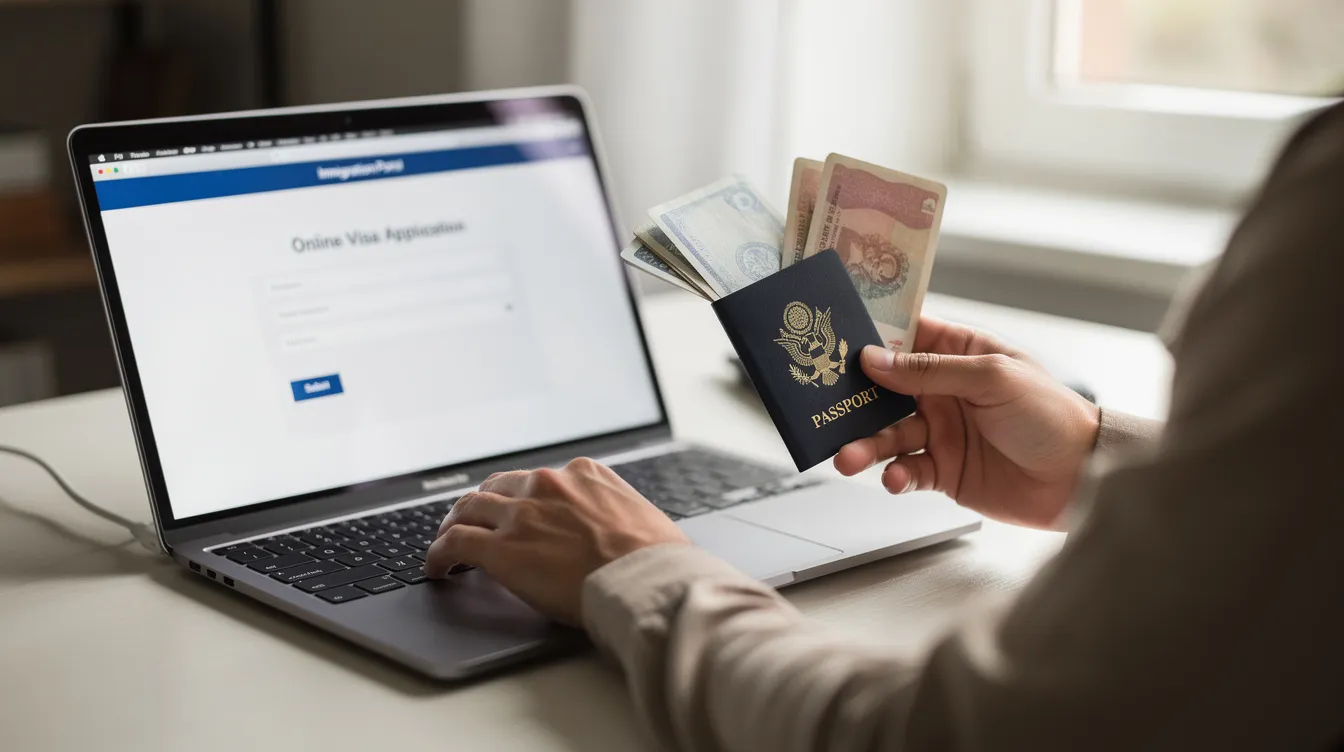
Replace BRP with e Visa: How to Move from Biometric Residence Permits to a Fully Digital Status
The UK has moved away from issuing plastic biometric residence permits and other physical immigration documents, replacing them with e visas that live entirely online. If you hold a BRP card, a biometric residence card, or any other physical document proving your right to live and work in the UK, this guide walks you through everything you need to do to make the switch.
Key Takeaways
Physical biometric residence permits, biometric residence cards, and physical visa stickers are being replaced by e visas as part of the UK's digital border shift toward a fully digital immigration system. The e visa system became fully operational starting January 2025.
To access your e visa, you must create a free UKVI account and link it to your passport. BRP holders began receiving UKVI account invitations in April 2024, and all migrants were expected to create a UKVI account by end of 2024.
Switching from a BRP to an e visa does not change your underlying immigration status, conditions, or expiry date. Your rights remain exactly the same-only the way you prove them changes.
Critical dates to remember: all BRPs expired on 31 December 2024, the Home Office stopped issuing new BRPs on 31 October 2024, and the e visa replaces the BRP starting January 2025. Expired BRPs were accepted for travel until at least 31 March 2025.
Keep your UKVI account details and passport information updated at all times. Airlines and border officers now check e visas electronically, and a mismatch between your passport and your UKVI account could cause problems, including situations where carriers may deny boarding.
Introduction: From Biometric Residence Permits to e Visas
The UK government has made one of the most significant changes to its immigration system in decades: replacing physical immigration documents with a digital record of immigration status known as the e visa. If you previously relied on a plastic BRP card with your photo and biometrics to prove your right to stay in the UK, that card is no longer your primary proof of status.
A biometric residence permit was a plastic card containing a chip, photograph, fingerprints, and other details about your immigration status. It was issued to non-EEA nationals granted leave to stay for more than six months. BRPs expired on 31 December 2024, regardless of the actual end date of the holder's underlying leave. An e visa, by contrast, is a secure digital immigration status-your visa conditions, expiry date, and entitlements are stored online and accessed through a UKVI account rather than printed on a plastic card.
Here is the key timeline that every BRP holder and resident migrant should know:
Milestone | Date |
|---|---|
Home Office begins inviting BRP holders to create UKVI accounts | April 2024 |
All BRP holders expected to transition to e visas | Summer 2024 |
Home Office stops issuing new BRPs and BRCs | 31 October 2024 |
All BRPs and BRCs expire | 31 December 2024 |
e visa system fully operational | January 2025 |
Expired BRPs accepted for travel (carrier acceptance) | Until at least 31 March 2025 |
Visa vignette stickers phased out for most routes | 1 July 2026 |
The e visa system aims for a fully digital immigration process by 2025, and the broader goal is to digitise the entire border and immigration framework through 2025–2026. This article focuses on what you-as someone holding a BRP, biometric residence card, passport vignette, or any other physical document-need to do now to replace your BRP with an e visa.
What Is an e Visa and How Does It Replace Biometric Residence Permits?
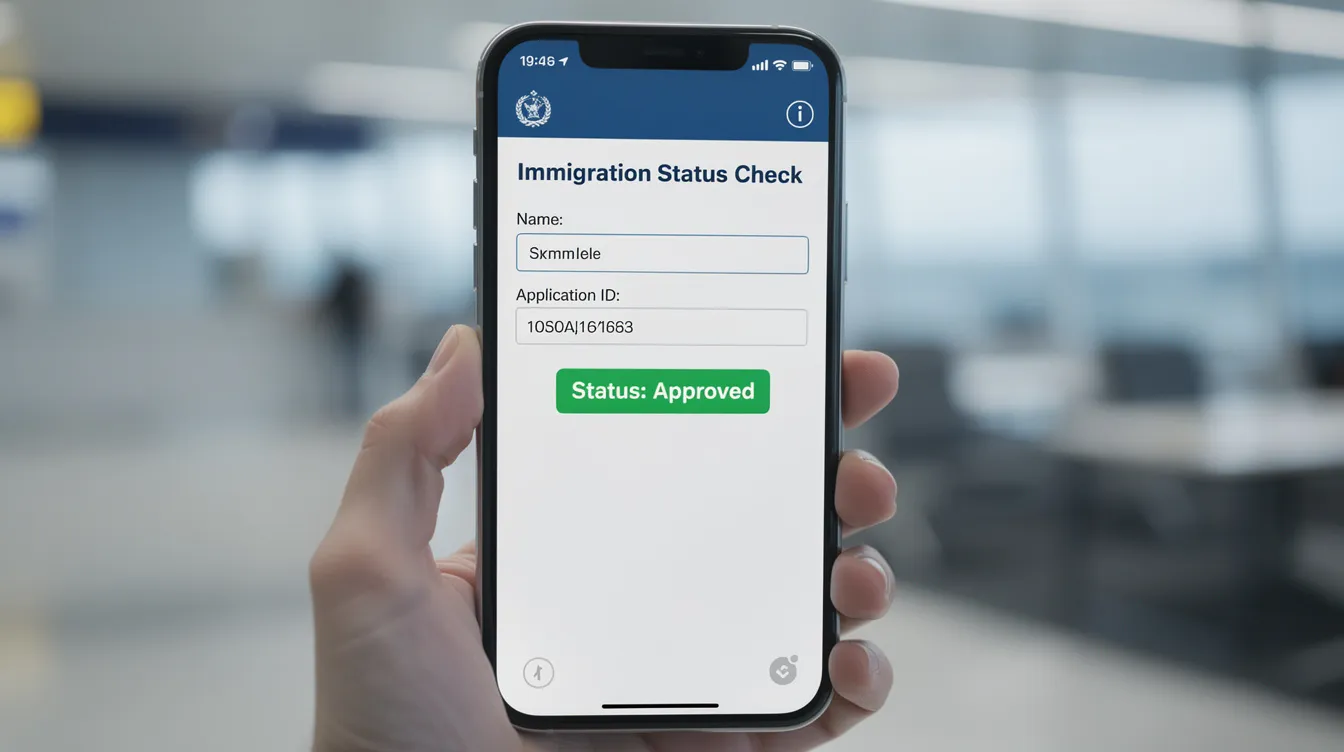
An e visa is a secure digital record of your UK immigration status. It shows your visa type, conditions (such as work restrictions), and expiry date-all held electronically within the Home Office's systems. Instead of carrying a plastic card or pointing to a physical sticker in your passport, you access and prove your status through an online account on GOV.UK.
E visas are linked to the passport used for your application. When you create or log into your UKVI account, your immigration status is connected to your passport number and stored online, so any authorised person or organisation can verify it digitally. There is no card to manufacture, post, lose, or have stolen.
The essential difference between a BRP and an e visa is physical versus digital status verification. Here is how they compare:
Feature | BRP (Physical) | e Visa (Digital) |
|---|---|---|
Format | Plastic card with chip | Online record in UKVI account |
Risk of loss/theft | High-card can be lost, stolen, damaged | Low-access via login credentials |
Proof of status | Show physical card to employers, landlords | Share a digital code or online link |
Updating details | Requires new card application | Update in UKVI account instantly |
Production time | Weeks for card manufacture and delivery | Immediate once status is granted |
Biometric residence permits, biometric residence cards, and visa vignettes (the physical sticker placed inside a passport) are all being phased out. As of 1 July 2026, visa applicants in most categories no longer receive vignette stickers for new applications.
E visas eliminate the need for physical immigration documents in almost every scenario. Employers can verify immigration status online with e visas rather than examining a plastic card. Landlords running right to rent checks, universities confirming student eligibility, banks, and the NHS will all increasingly use the Home Office's digital verification services. E visas also simplify access to UK government services more broadly, reducing paperwork and wait times for everyone involved.
E visas enhance security and reduce document loss risk. A digital status cannot be physically stolen, and fraud becomes significantly harder when checks are automated against a central database.
It is also worth noting how this change interacts with other groups entering the UK. British citizens do not need a visa to enter their own country-they use either a British passport or other accepted identity documents. Visa exempt travellers from certain countries can enter the UK without a visa for short visits, though they may need a valid electronic travel authorisation (ETA) depending on their nationality. Electronic travel authorisations apply to such travellers and exempt applicants from specific countries who do not need a full visa but must register before travelling. Dual nationals holding either a British passport or a passport from another country should ensure their UK status is linked to whichever traveller's passport they plan to use at the border. These groups are distinct from BRP holders, but they are all part of the same shift: the UK switches to a fully digital system for everyone crossing its borders.
How to Replace Your BRP with an e Visa via a UKVI Account
Moving from a BRP to an e visa is straightforward, free, and does not change your existing immigration status. Setting up a UK Visas and Immigration (UKVI) account is free, and the process is designed to preserve all your current entitlements, conditions, and visa end date exactly as they were.
Step-by-Step Process
The Home Office began inviting BRP holders in April 2024 to create their accounts. BRP holders began receiving invitations from April 2024 via email, directing them to the official GOV.UK e visa pages. All BRP holders were expected to transition to e visas by summer 2024.
Even if you did not receive an invitation, you can still create your account. Here is the typical process:
Go to the official page. Visit the GOV.UK eVisa setup page to start.
Create your UKVI account. You will need:
A valid email address
A phone number
Your passport details (number, expiry date, country of issue)
Your BRP number or visa application reference number (GWF or UAN)
Verify your identity. The UK Immigration: ID Check app is used to verify identity when creating a UKVI account. You scan your passport chip using your smartphone's NFC reader and take a photo of yourself for matching. If you do not have a compatible smartphone, alternative verification methods are available.
Link your documents. You must link your existing immigration documents to your new UKVI account. This connects your e visa to your passport for access, so airlines and border officers can verify your status digitally.
Check your e visa record. Once logged in, you can see your immigration status, visa type, name, date of birth, conditions, and visa end date. Make sure everything matches your previous BRP card. Download or screenshot the on-screen confirmation for your records.
Receive confirmation. You will be notified via email once your digital e visa is active.
UKVI accounts are needed to access e visas-there is no other way to view or manage your digital immigration status going forward. To access an e visa, you need to set up or access your UKVI account.
Updating Your Details
Life changes. Here is what to do when your circumstances shift:
New passport: You can update your UKVI account with new passport details through the update account details service on GOV.UK. Your current passport must be linked to your UKVI account for travel-always complete this update before booking flights.
Name change: If you change your name through marriage, deed poll, or for any other reason, update it in your UKVI account. You may need to provide a certificate such as a marriage certificate or deed poll.
Contact details: New email or phone number? Update these in your account so you continue to receive notifications.
Holders of Other Physical Documents
Not everyone had a BRP. Some people hold older visa documents, passport vignettes, wet-ink stamps, or other visa documents from earlier immigration routes. If you hold a biometric residence card (common for those with EU-derived rights), a physical sticker in your passport, or legacy stamps, you may also need to transition. In some cases, holders of older documents need to apply for a "No Time Limit" endorsement or similar route before they can register for an e visa. Check the latest GOV.UK guidance for your specific situation.
Common Worries
A few things that come up frequently:
Pending applications. If you have a pending extension, naturalisation, or change of immigration category, creating an e visa account does not disrupt your application. Your status continues under current conditions.
Expired BRP. An expired BRP can be used to create a UKVI account for 24 months after its expiry. So even if your BRP card expired on 31 December 2024, you can still use it to set up your account.
Data mismatches. If your name, date of birth, or other details do not match when linking, corrections are possible via your UKVI account. Take care during the process and contact UKVI support if something looks wrong.

Travelling, Proving Status, and Living in the UK with an e Visa
Once you have replaced your BRP with an e visa, the way you travel and prove your status changes significantly. Airlines and Border Force now check immigration status electronically when a passport is scanned, rather than asking to see a plastic card or a physical sticker.
Travel Tips
Always carry the valid passport that is linked to your e visa when you travel. If you recently got a new passport and have not updated your UKVI account, the e visa will still be linked to the old passport number, which could cause problems at embarkation.
Check your UKVI account before travel to confirm that your passport number, expiry date, and other details match what the airline and border staff will see.
During the transition period, carriers accepted expired BRPs for travel until at least 31 March 2025. After that, full reliance shifted to digital verification via the e visa system.
If a carrier cannot see your e visa status when scanning your passport, having a printout or screenshot of your digital proof of status-plus your decision letter email-can help resolve the situation quickly. The Home Office has published eVisa support videos to guide travellers through common scenarios.
Proving Status Inside the UK
For right to work, right to rent, and access to services like the NHS, you use the "View and Prove your immigration status" service:
Log into your UKVI account to access your digital immigration status.
To prove your immigration status, you can generate a share code.
Give that share code-along with your date of birth-to your employer, landlord, university, or other organisation.
They enter the code on the Home Office's online checking service and instantly see your status, conditions, and expiry date.
Share codes generated for proving status are typically valid for 90 days. If one expires before someone checks it, simply generate a new one.
Potential Issues at the Border
Passport mismatch. If you changed your passport and did not update your UKVI account, your e visa will be linked to an old document. This is the single most common cause of problems. Authorities at borders and airlines rely on the linked passport to verify your status.
Carrier cannot see status. Occasionally there are system delays. Carry backup documentation (screenshot, decision email) and remain calm. The information is stored online and can be retrieved by border staff with access to Home Office systems.
Incorrect details. If your name was entered incorrectly when you created your account, this can flag at check-in. Correct it before you travel.
Special Cases
Children. Every person, including children, needs their own UKVI account. Parents or guardians can create and manage accounts on behalf of their children, but the account must reflect the child's own immigration status.
Long-term residents with expired documents. If your physical document expired long ago, you can still set up a UKVI account using your expired BRP or by requesting your reference number through the Home Office support service.
Switching immigration category. If you move from student to work, for example, your e visa updates to reflect the new category once your application is approved. The process is seamless within the same UKVI account-no new card to wait for, no new physical document to carry.
Daily Life Benefits
The benefits of replacing physical BRP cards with an e visa go beyond travel:
No more worrying about losing a card or having it stolen
Faster right to work and right to rent checks for employers and landlords
Smoother access to public services-some government departments can now check your status automatically
Immediate digital proof of status when a new visa is granted, with no waiting weeks for a card to arrive in the post
When you are not in work mode dealing with immigration paperwork, it is easy to forget how much time the old system consumed. Anyone who previously worked through the process of replacing a lost BRP-waiting weeks for a new card, paying fees, missing travel-will appreciate how much simpler things are now. Even those of us found downing endless cups of tea while waiting on hold with the Home Office can appreciate the speed of a digital system. (If you have spent time reading about travel and immigration on sites run by TravelTriangle and Internet Moguls, or any internet moguls covering UK visas, you will have seen how much attention this topic has generated globally.)
FAQ: Replacing BRP with an e Visa
Below are answers to the most common practical questions about the switch from biometric residence permits to e visas.
Will my immigration status change when my BRP is replaced by an e visa?
No. Your underlying immigration status, conditions (for example, work restrictions), and visa expiry date stay exactly the same when you move from a biometric residence permit to an e visa. Only the way your status is recorded and checked changes-from a physical document to an online digital record. The UK government has been clear on this point: the e visa is a new way of proving status, not a new status itself.
Do I still need to keep my physical BRP card after I get an e visa?
Once your e visa is active, the BRP card is no longer your primary proof of status. However, you should keep your expired BRP as a backup until instructed otherwise by GOV.UK. During the transition period, some travellers were advised to carry their BRP card as a secondary form of identification, especially when crossing borders. Follow the latest GOV.UK guidance on whether to retain or securely dispose of your old card.
What happens if I change my passport after switching to an e visa?
You must log into your UKVI account and update your passport details so the e visa is linked to the new passport number. Complete this update before travelling again-otherwise airlines and border officers may not immediately see the correct linked status when they scan your new passport.
Can I travel if I have not yet been invited to create a UKVI account?
Yes. You can continue to travel using your existing physical document (such as a BRP or visa vignette) until the relevant deadline. The requirement to wait for a formal invitation has been lifted: anyone with a BRP, BRC, or visa application number can now visit the GOV.UK e visa pages and create a UKVI account at any time. If you believe you should have been contacted but have not received any communication, check the official GOV.UK e visa pages regularly for updates.
What if I cannot access my UKVI account or I forget my login details?
Use the "problems signing in" link on the GOV.UK UKVI services page. From there you can reset your password, recover your account, and update your contact details. If you are unable to manage the process online-for example, if you are elderly or do not have reliable internet access-you can nominate a helper (such as a family member or someone with power of attorney) to assist you. If online recovery does not work, contact UKVI through the official helplines, especially before any urgent travel or right to work checks. You can also register for phone-based support if digital access is a barrier.
The shift from physical cards to a fully digital immigration system is already complete for millions of people. Over 3 million people had made the switch by early December 2024, with over 4 million BRPs and 200,000 BRCs that were due to expire on 31 December 2024. If you have not yet set up your UKVI account, do it today-the process is free, your status does not change, and having your e visa active means one less thing to worry about every time you travel, start a new job, sign a tenancy, or visit your GP.
Visit GOV.UK/evisa to create your account and take control of your digital immigration status now.