
UK E Visa Sample: What Your Digital Status Looks Like in 2026
Key Takeaways
From 1 January 2025, most UK visas and residence permissions exist as a digital e visa inside a UKVI account, replacing biometric residence permits and vignette stickers entirely.
A UK e visa sample shows structured fields including visa type, start and end dates, conditions (work, study, public funds), and passport details - all viewable online, not as a PDF or physical card.
Travellers must always carry the passport linked to their e visa and update their UKVI account whenever they obtain a new passport to avoid unnecessary delays at the border.
Share codes generated from the "View and Prove" service let holders prove immigration status to employers, landlords, and universities without revealing their full personal details.
Non-UK nationals must apply for a UK e visa, and eligibility depends on nationality and purpose of travel. Children require a separate e visa to enter the UK.
Introduction to the UK E Visa System
This article gives you a practical UK e visa sample and walks through every element of a real digital UK visa in 2026. You will see exactly what applicants see after visa success, field by field, so you can compare your own record and spot problems before they become costly.
Since biometric residence permits expired on 31 December 2024, most migrants now prove immigration status using an e visa visible through a UKVI account rather than physical documents. The UK e visa replaces physical biometric residence permits since November 2024, and the e visa application process is entirely online. The UK digital immigration system became standard from July 2026.
The guidance below applies to common UK visas - Skilled Worker, Student, Family, and Visitor - and uses concrete sample dates and conditions rather than screenshots. You need a valid passport to apply for a UK e visa, and the examples here are illustrative so you know exactly what to expect from the new system.
What Is a UK E Visa? (With Concrete Example)
A UK e visa is a digital record of permission to enter or remain in the UK, linked to a specific passport instead of a physical sticker or card. It is not a document you carry - it is an online record stored in UK Home Office systems and accessible through your UKVI account.
A typical e visa record looks like a structured block of text showing your name, date of birth, nationality, visa type, immigration status, and validity period. Here is a concrete, text-based UK e visa sample for a Skilled Worker:
Field | Example Value |
|---|---|
Type | Skilled Worker |
Start date | 15 March 2026 |
End date | 14 March 2029 |
Sponsor | ABC Tech Ltd |
Work allowed | Yes, in job stated on Certificate of Sponsorship |
Public funds | No recourse to public funds |
Study | Permitted, must not interfere with sponsored employment |
Border officers and employers do not see a "PDF visa." They access the same data online via the Home Office systems and the "View and Prove your immigration status" service. The government fee for a temporary visa application is £154, but there is no charge to apply for the e visa online - it is the digital delivery mechanism, not a separate product. Processing can take minutes to several weeks depending on the route.
Sample UK E Visa Layout Inside a UKVI Account
Below is a detailed text description of what a realistic e visa screen looks like inside a UKVI account in 2026. The eVisa interface displays personal information and immigration status details in plain English.
Skilled Worker - Full Sample
Full name: Priya Sharma
Date of birth: 02 June 1995
Nationality: Indian
Passport number: Z1234567, issued 10 Jan 2025, expires 10 Jan 2035
Visa category: Skilled Worker (Sponsor: ABC Tech Ltd)
Entry type: Entry clearance (overseas application)
Valid from: 15 March 2026
Valid until: 14 March 2029
Immigration status: "You have permission to stay in the UK as a Skilled Worker until 14 March 2029"
Conditions: Work allowed only in job stated on Certificate of Sponsorship; supplementary employment permitted under Skilled Worker rules; no recourse to public funds; study permitted but must not interfere with sponsored employment.
Student - Full Sample
Full name: Maria Garcia Lopez
Date of birth: 20 October 2002
Nationality: Colombian
Passport number: S7654321, issued 5 June 2023, expires 5 June 2033
Visa category: Student (Course: MSc Data Science, University of Manchester)
Valid from: 1 October 2025
Valid until: 30 September 2027
Immigration status: "You have permission to stay in the UK as a Student until 30 September 2027"
Conditions: Work allowed up to 20 hrs/week during term time; full-time during holidays; no access to public funds; course of study must be maintained.
These examples show how immigration status is stated in plain English. If your own record looks different from what you expected, that is your signal to investigate before you travel.

How to Access Your E Visa and Immigration Status
The official route to see your own UK e visa sample is through the View and Prove your immigration status page linked to a UKVI account. The eVisa status can be viewed online in the UKVI account interface, and you can access and manage your eVisa online through the GOV.UK View and Prove service.
Here is the process:
Go to GOV.UK and select "View and Prove your immigration status."
Sign in or create a UKVI account. You must create a UKVI account to access your eVisa. Creating a UKVI account is free of charge. An email address and mobile phone number are required for account setup and security verification.
Verify your identity. Identity verification includes scanning an identity document and taking a facial scan using the UK Immigration ID Check app. You may have already used the ID Check app during your original visa application.
View your status. After signing in, you will see your current visas listed. Clicking one entry displays the full digital e visa details that mirror the samples shown earlier. You can view your eVisa through your UKVI account after approval.
Allow processing time. Your eVisa can take up to 24 hours to appear in your account - the eVisa typically appears within 24 hours.
You can update your personal details in your UKVI account, and the online service allows updating personal information or linked contact details at any time. If you previously held an expired BRP, your current digital record will normally show the same expiry date and conditions that were printed on that card, now in online form.
Understanding Each Field in a UK E Visa Sample
This section breaks down the most important fields that appear in a typical UK e visa entry so you can confirm compliance with UK immigration rules.
Personal details: Full name, date of birth, and nationality. These must exactly match the passport details used for travel. Differences in name formatting (for example, middle names appearing in a different order than the MRZ line on your passport) are a frequent source of account linking issues.
Passport or travel document: The passport number, issue date, and expiry date shown on your e visa identify which current passport you must present at the border. Ensure your passport details match your eVisa information - mismatches can result in denied boarding.
Type of permission: This states your visa category. Examples include "Student (Route): University of Manchester," "Skilled Worker: ABC Tech Ltd," or "Partner of a Settled Person." For a family member on a spouse visa, this section shows relationship-based permission.
Valid from / Valid until: These dates control lawful stay and visa success. For example, a one-year Master's course might show valid from 01 October 2026 to 30 September 2027. Your eVisa is valid as long as your leave to remain is valid - these dates are what remain valid on your digital record.
Immigration conditions: These are legally binding. Common examples include:
"No recourse to public funds"
"Work permitted – 20 hours per week term time"
"No work"
"Study permitted"
If any condition looks wrong, report it immediately to UKVI before starting work, study, or travel.
Comparing E Visa Samples Across Common UK Visas
The layout is similar across UK visas, but wording and conditions vary depending on immigration status and route.
Student e visa:
Shows institution name and course title
Course dates as "Valid from / Valid until"
Work limit: 20 hours per week in term time, full-time during holidays
No recourse to public funds
Students must maintain course attendance for accommodation and compliance purposes
Skilled Worker e visa:
Sponsor name and Certificate of Sponsorship reference
No study-hours limit, but study must not interfere with sponsored work
No recourse to public funds
Supplementary employment may be permitted
Visitor e visa:
Successful visit visa applications after 25 February 2026 will receive an eVisa only
Multiple entry, typically 6-month duration
Conditions: no work, no public funds, no study except incidental
You cannot apply for a Visitor visa using this system if you are already a visitor inside the UK
Family / Spouse visa:
Shows relationship-based permission (e.g., "Partner of a Settled Person")
Usually 2.5 or 5-year stay; indefinite leave to remain may be available after qualifying period
Work generally permitted
Often still includes no recourse to public funds unless specifically requested
Entry Clearance, Travel, and Passport Details
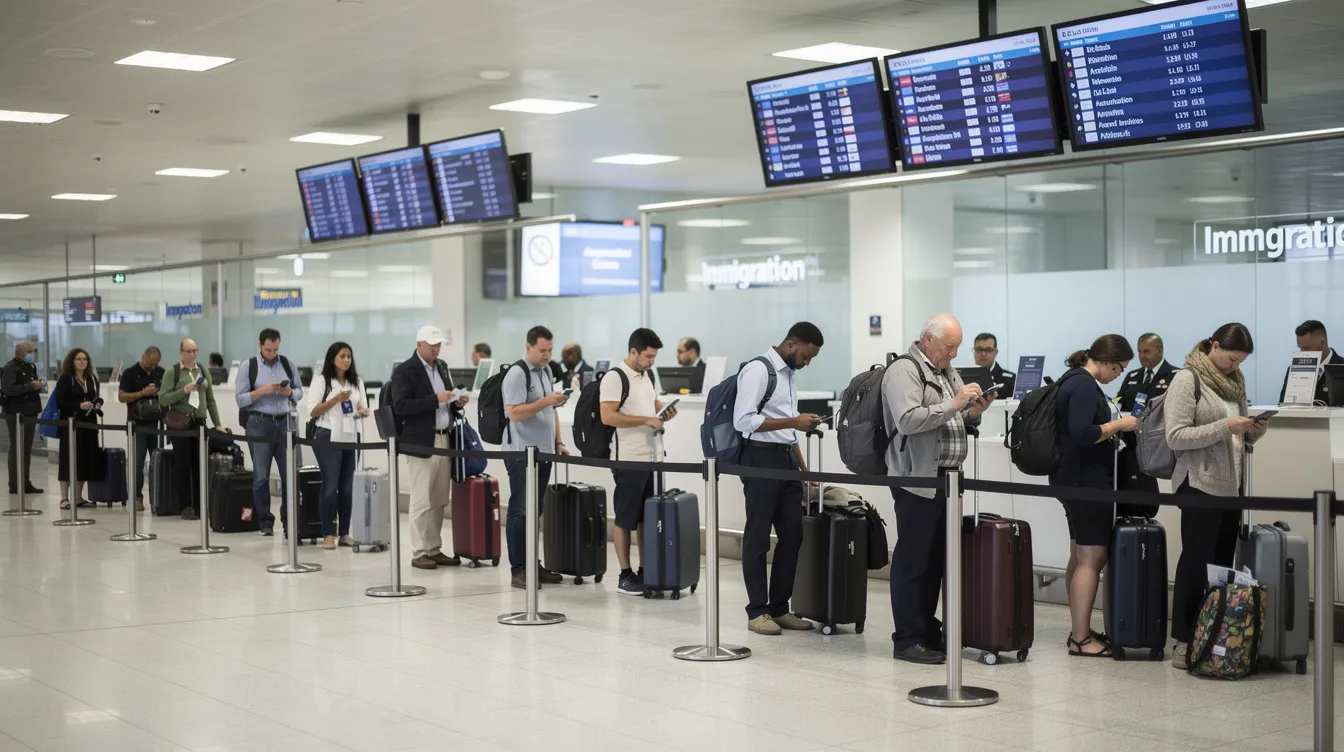
The e visa replaces traditional entry clearance vignettes for most travellers after 2025, but the rules for which passport to use remain strict. You must present your passport linked to your eVisa - border officials verify your eVisa electronically at entry points by scanning the travel document.
When a first-time migrant travels to the UK after visa success, border officers read the digital record linked to the passport rather than a vignette sticker. Travellers must always carry the passport whose details are listed in their e visa sample; otherwise, the system may not find their immigration status at the border.
From 11 March 2026, travel documents link automatically to your UKVI account, usually appearing within 2 working days.
Problem scenario: Imagine someone renews their passport in 2027 but forgets to update their UKVI account. At the airport, the airline checks Home Office records against the new passport number and finds nothing. The person faces delays at immigration control and may be denied boarding. Always update your passport information before travel plans change.
People with dual nationality or multiple passports must choose which passport to link and use consistently for UK travel to avoid entry clearance issues. Children require a separate e visa to enter the UK - they cannot travel on a parent's record.
From BRP and Vignette to E Visa: Transition in Practice
All biometric residence permits expired on 31 December 2024, and from November 2024 the Home Office began moving people onto purely digital records. The UK e visa replaces physical biometric residence permits across the board.
Someone who previously had a BRP valid to 31 August 2027 would now see the same expiry date in their e visa sample - the permission didn't change, only the form it takes. From 2 June 2025, expired BRPs cannot be used for travel. An expired BRP may help you link your account initially, but it is no longer evidence of status.
Visa vignettes placed in passports before 2026 are no longer issued for most routes. Vignettes were phased out entirely on 1 July 2026 in favour of e visas. Applicants who extend their stay or switch visas after 2025 generally do not receive a new BRP or vignette - they only get an updated e visa record in their UKVI account.
Do not rely on an expired BRP or old vignette. Airlines and carriers check digital status, but you should print your eVisa confirmation for emergencies during travel as backup.
Using Your E Visa to Prove Immigration Status
A digital e visa sample is useful only if the holder knows how to share it securely with employers, landlords, and institutions that need proof of status.
Generating a share code:
Log into the "View and Prove" service on GOV.UK.
Select the correct purpose - for example, right to work, right to rent, or right to study.
You can generate a share code from your account to prove your rights to employers or landlords. A share code is valid for 90 days.
Give the share code and your date of birth to the organisation. They enter these on the employer/landlord checking service to see limited, purpose-specific fields directly from Home Office records.
Choose the correct purpose when generating a share code. A code created for "right to rent" may not display work rights, which could cause unnecessary delays.
Never send screenshots of your full UKVI account login page. Share codes exist to protect your contact details and personal details while giving third parties only the evidence they need, such as proof of right to work or accommodation eligibility.
If your e visa does not appear or the conditions seem wrong, contact UKVI or the Resolution Centre to correct records before starting work or travel. Act quickly to increase chances of a successful resolution.
What to Check on Your E Visa Sample Before You Travel
Many travel problems - and common mistakes - arise because people do not carefully compare their own record to a correct e visa sample before flying. Delays can occur during peak travel seasons, so don't leave this to the last minute.
Key items to verify:
Name spelling, date of birth, nationality
Passport number, issue date, and expiry date
That visa dates cover your full travel period
That conditions match your decision letter (permission to work, study, or bring dependants)
That the passport shown is the one you will carry
Advise yourself to sign into your UKVI account at least two weeks before departure to the UK. This gives you time to avoid delays and resolve login or linking problems. Print your eVisa confirmation for emergencies during travel - save a PDF of the "Prove your status" page or decision email to show airline staff if they are unfamiliar with purely digital UK visas.
FAQ: UK E Visa Samples and Common Issues
Can I download a PDF copy of my UK e visa?
The UK Home Office does not issue an official "e visa PDF." However, you can print or save the status page or decision letter for personal reference or to support your identification at airline check-in. The legally valid record is stored in Home Office systems and accessed online - no file on your device serves as the official document.
What happens if my passport expires but my e visa is still valid?
Your e visa will remain valid until its "Valid until" date, but it must be relinked to the new passport so border officers can see it when scanning the new document. Log into your UKVI account after receiving a new passport, update your passport details, and confirm that the e visa sample now displays the new passport number. From 11 March 2026, this process has become more streamlined as travel documents link automatically.
I had visa success but I can't see my e visa in my UKVI account. What should I do?
First, check that you are signing in with the same email and phone number used during your UK visa application or ID Check app process. Use the "problems signing in" or "link your eVisa" options on GOV.UK. If issues persist, contact the UKVI Resolution Centre or your sponsoring university or employer for assistance and support. The eVisa typically appears within 24 hours, so allow that processing window before raising concerns.
Do I still need my expired BRP after I get my e visa?
Biometric residence permits that expired on 31 December 2024 are no longer used to prove immigration status. The digital e visa replaces them for all checks and travel. You may keep the card for your records, but you should not show an expired BRP to employers or landlords as evidence of current right to work or rent - it will not be accepted.
Will my e visa show my entire immigration history and old UK visas?
The e visa screen usually shows your current permission and sometimes recent previous permissions, but not a full historic list of all past UK visas. For complex immigration history queries, old refusals, or understanding a rejection - including reviewing the rejection notice for specific denial reasons - you may need to submit a subject access request to the Home Office. Common rejection causes include incomplete information and missing documents, so if you need to reapply, seek professional legal advice for complex rejection cases and submit strong appeals to overturn e visa rejection decisions. Register any concerns early to obtain the best outcome.