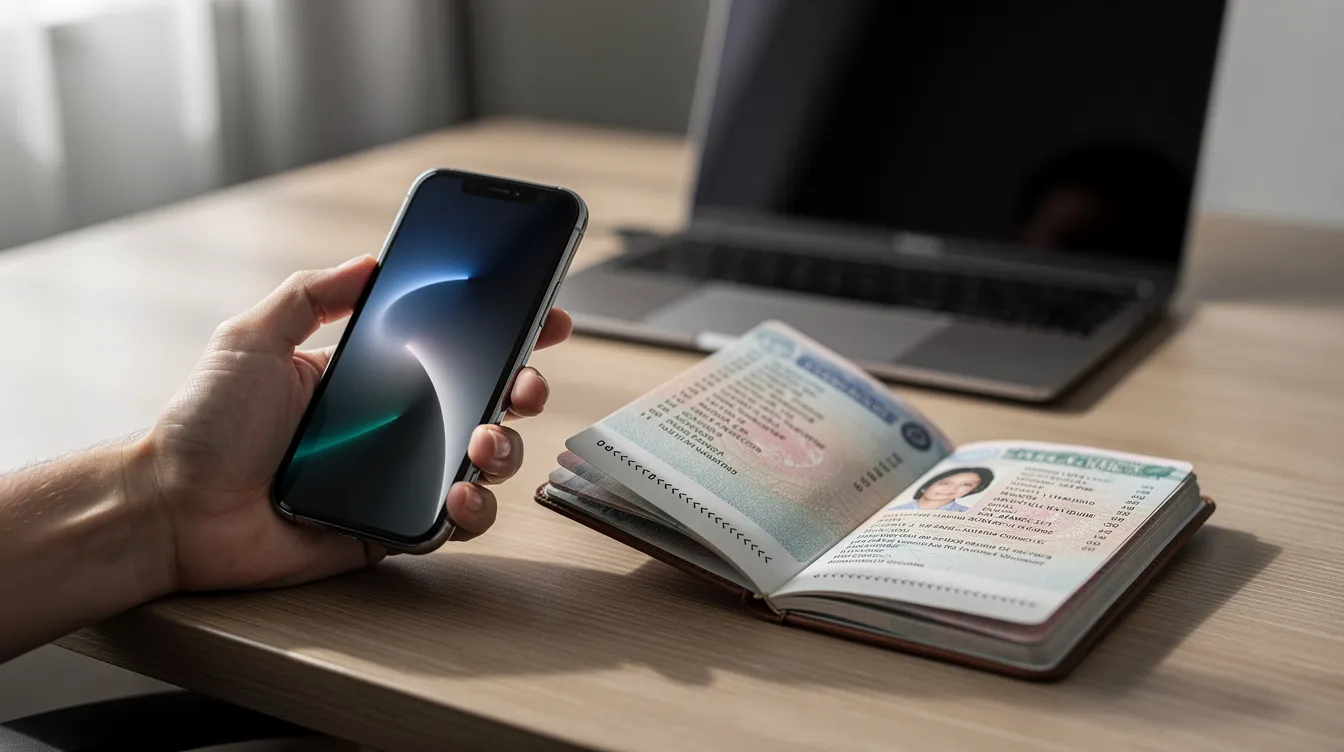
UK Immigration ID Check App: 2026 Guide To The Immigration ID Check Application
If you are applying for a UK visa or immigration status in 2026, there is a good chance you will need to use the UK Immigration: ID Check app. This guide covers everything you need to know - from eligibility and device requirements to step-by-step instructions and what to do when things go wrong.
Key Takeaways
The UK Immigration: ID Check app is the official Home Office mobile application used to verify identity for many UK visas and immigration routes. It replaces some in-person biometrics appointments, letting eligible applicants complete the immigration ID check remotely from a smartphone.
The app is currently required for many online UK visa and UKVI account applications where applicants hold a biometric passport or biometric residence permit. Here is what you need at a glance:
A compatible smartphone - you need an iPhone 8 or newer (running iOS 16 or later), or an Android device with NFC and Android 8.0+.
A biometric passport or BRP with a working biometric chip, plus a stable internet connection.
A connection code or QR code generated during your online visa application to link the app to your case.
Identity verification in the app is only one step; you must still submit the online form, pay fees, and upload all documents required for your specific route.
If the app fails, you can book a visa application centre or UKVCAS appointment. All data is handled under UK Home Office and UKVI privacy rules.
Overview: What Is The UK Immigration ID Check App?
The UK Immigration: ID Check app is the official Home Office mobile application used to confirm identity for many UK immigration applications. Biometric identity documents are typically required for UK immigration, and the ID Check application process involves verifying identity via a smartphone rather than attending an appointment in person.
The app allows applicants to scan their biometric passport or biometric residence permit using their phone's camera and NFC reader, then capture a live facial image. It links directly to the applicant's UKVI account and specific visa application through a unique connection code. A biometric passport is needed for identity confirmation, and a valid biometric passport is commonly required for UK immigration applications. Supporting documents must be submitted separately based on the specific visa route.
The process usually starts with an online application on the GOV.UK website. Typical visa types using the app in 2026 include:
Skilled Worker visa
Student visa
Health and Care Worker visa
Global Talent visa
BRP-to-eVisa status transitions
The app can be used by applicants both outside and inside the UK, depending on eligibility, nationality, and the specific route.
Who Can Use The Immigration ID Check App?
Not every UK immigration applicant can use the app. Eligibility depends on nationality, identity document type, and visa route. Eligible applicants can skip in-person appointments using the ID Check app.
Eligible documents and nationalities include:
Biometric passports from EU, EEA, or Swiss countries, as well as BNO and HKSAR passports for certain routes
Current BRPs with working chips
An expired BRP can be used if it expired less than 18 months ago, depending on the specific route and Home Office guidance
Who usually cannot use the app:
Applicants without biometric documents or with damaged chips
Children whose documents cannot be scanned (children aged 9 or younger are exempt from face scan steps)
Applicants whose route or nationality is not covered
The app is available only in English. Non-English speakers may need to navigate on-screen instructions with the assist of a trusted friend, family member, or one of the regulated immigration advisors familiar with the process.
Devices, UKVI Account & Connection Code
Successful use of the UK immigration ID check app depends on three things: the right device, a UKVI account, and the correct connection code from your online form.
Device requirements:
Requirement | iPhone | Android |
|---|---|---|
Model | iPhone 8 or newer | NFC-enabled smartphone |
OS version | iOS 16 or later | Android 8.0 or above |
Free storage | ~120 MB | ~135 MB |
Connectivity | Wi-Fi or 3G/4G/5G | Wi-Fi or 3G/4G/5G |
You must complete the online application before using the app. When you start your visa application on GOV.UK, you will create or sign in to your UKVI account. At the identity verification stage, the form generates a connection code - a unique set of characters that links the app to your specific application.
Find the connection code on your application confirmation page or in the email from UKVI.
You can use a connection code if the QR code fails or is not available.
Do not share this code publicly or with untrusted third parties.
If you are applying on a computer, you will need to switch to your phone to open the app and enter the code.
Step‑By‑Step: How To Use The UK Immigration ID Check App
Here is how to complete the UK immigration ID check from download to confirmation.
Download the app. Search for "UK Immigration: ID Check" on the Apple App Store or Google Play Store. Confirm the publisher is the UK Home Office or UK Visas and Immigration to avoid fake versions.
Open and link. Open the app, accept terms, and grant permissions for your phone's camera and NFC. Enter the connection code shown in your online application or scan the QR code.
Scan your document. Place your biometric passport or BRP on a flat surface. The app will use your camera to read the MRZ (machine readable zone). Then slowly move the phone over the document's chip area. Scanners read biometric chips embedded in identity documents using NFC technology - hold the device steady until the app displays a confirmation message. Users must photograph the identity document and scan their face using the app.
Capture your face. Take a live selfie following the app's prompts: look straight at the camera, remove glasses or headwear where possible (exceptions for religious or medical circumstances), and complete any liveness checks such as blinking. Make sure your photo is well lit with a plain background, and your head and shoulders are visible.
Submit and confirm. The app uploads encrypted data to secure UKVI servers. Once complete, you will see an on-screen confirmation. Return to your online form to finish the remaining sections and upload all documents required.
Data, Security & Common Technical Problems
The immigration ID check app is designed to be secure. Data usage is governed by UKVI Identity Standards and Home Office privacy policies.
Personal data linked to your account includes passport or BRP details, chip data, and your facial image. This is used solely to verify your identity and link it to the correct visa record. The app may also collect anonymous usage statistics for performance monitoring - these are not tied to you personally.
According to the 2025 Inclusion Monitoring Report, 34% of digital identity services reported technology failure as a common reason for users struggling to complete checks. Common issues and fixes include:
NFC not detecting chip: Remove your phone case, move the phone slowly, or try a different compatible device.
App crashing: Try restarting your device, reinstalling the app, or using a different phone.
Weak internet: Move to a location with stronger Wi-Fi or mobile data before you start.
Permissions missing: Ensure camera and NFC access are enabled in your phone settings.
If the app cannot verify your identity after several attempts, UKVI will direct you to book a visa application centre or UKVCAS biometric appointment. Watch for emails from UKVI with instructions and deadlines.
What Happens After The ID Check & Alternatives If It Fails
Completing the UK immigration ID check does not by itself grant a visa. It simply satisfies the identity verification stage of the wider immigration process.
After the app shows confirmation, you must:
Finish the online UKVI application form.
Pay the application fee and Immigration Health Surcharge if applicable.
Upload all documents required for your chosen route.
Successful digital verification typically triggers emails from UKVI about application processing. Decisions for common routes like the student visa or Skilled Worker visa follow published standard processing times unless you use a priority service.
Not all applications may use the ID Check app; some may still require in-person appointments. If the app cannot verify your identity, you will need to attend a visa application centre (outside the UK) or a UKVCAS service point (inside the UK) to provide fingerprints, photographs, and original documents.
If you are facing repeated app problems or have complex circumstances, consider speaking to a regulated immigration adviser or solicitor experienced in UK immigration. This can help you avoid delays or refusals.
FAQ
Is the UK Immigration ID Check app mandatory for all UK visa applications?
The app is not compulsory for every UK immigration route. Some applicants are required to use it, while others will automatically be directed to in-person biometrics at a visa application centre or UKVCAS. The online form will normally indicate whether you should use the immigration ID check app or attend a centre, based on your nationality, identity document, and visa category.
Can I change phones halfway through the immigration ID check?
Yes - you can usually restart the process on another compatible device using the same connection code, as long as it is still valid and the online application has not been submitted. Close the app on the old device, download it on the new phone, re-enter the connection code, and follow the prompts. Contact UKVI support if the code has expired.
How long does the UK Immigration ID check take to complete?
The app confirms identity in 10–20 minutes for most applicants, assuming a stable internet connection and compliant documents. Delays often come from NFC detection problems or poor lighting for the selfie. Allow extra time before any deadlines, and have a second device available as backup if possible.
Does using the ID Check app give me an eVisa automatically?
No. Completing the immigration ID check app helps UKVI process your digital status, but an eVisa or immigration decision is only granted once the full application is assessed and approved. After a positive decision, you can view your digital immigration status by signing in to your UKVI account with the same email used during the application.
What should I do if I lose my passport after using the app?
Report the loss to the relevant national authority immediately, then contact UKVI using the details provided in your application guidance. You may need to bring a replacement passport or provide more options for additional evidence before a final decision is made. Do not travel until UKVI confirms your position.