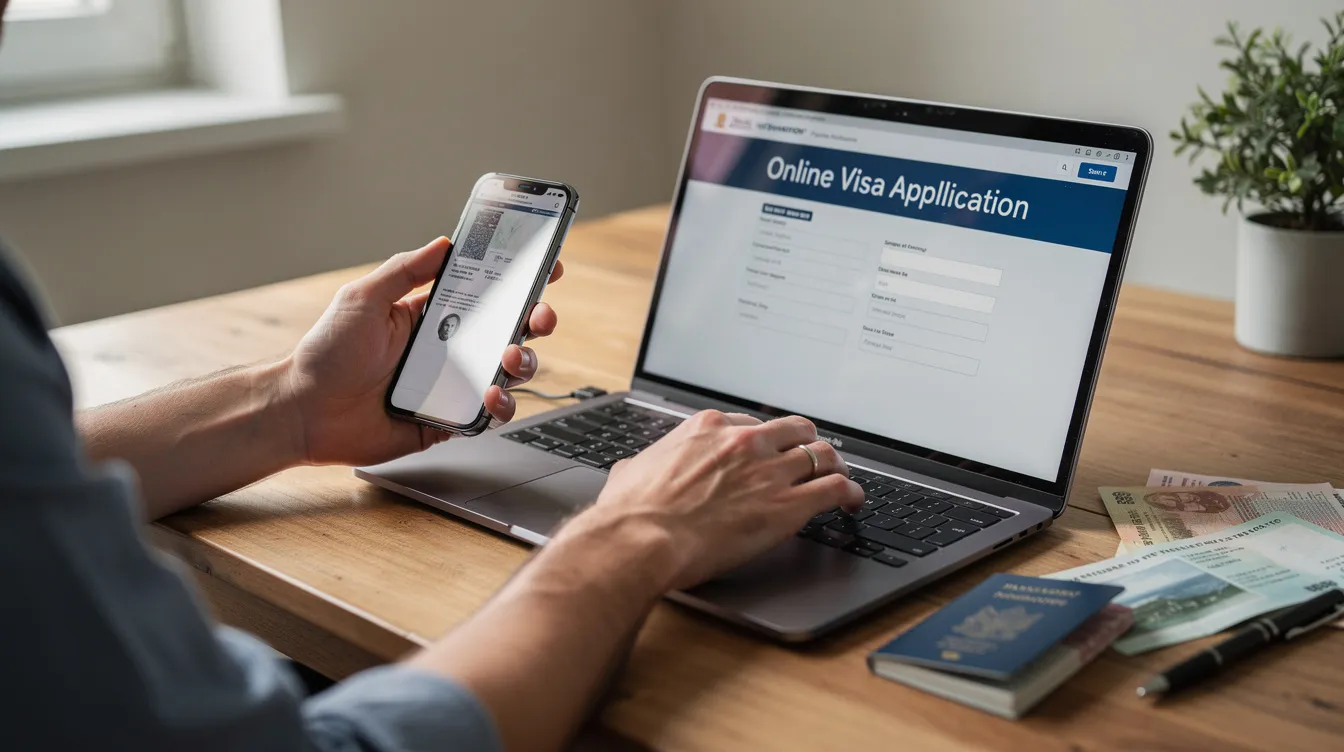
Visas Online: How to Apply, Track and Prove Your Immigration Status in the UK
Key Takeaways
Most new UK visas are now issued as digital eVisas by the UK Home Office, accessed and managed entirely online via a UKVI account.
From 31 October 2024, biometric residence permits (BRPs) stopped being produced, and checking immigration status is now mainly done online.
The fastest way to start is to go to the official UK government site (gov.uk) and use the "view and prove your immigration status" and "immigration apply" online services.
Applicants must keep their identity document (passport or national ID), contact details, and UKVI account secure and up to date to avoid delays or refused boarding at the border.
Users can share their UK immigration status online with landlords, employers, schools and airlines by generating a time-limited share code.
Introduction: Moving from Paper Visas to Online eVisas
Between 2022 and 2026, UK visas underwent a fundamental shift. Applying for a visa online has replaced paper applications, and countries increasingly issue electronic immigration records, like eVisas. On 31 October 2024, BRP production stopped entirely. By 1 July 2026, even visa vignette stickers ceased for new applicants.
An eVisa is a digital record held by the UK Home Office - not a stamp or sticker in your passport. The UK government moved to this system for security, speed, and fewer lost documents. Online visa applications offer speed and lower travel costs compared to traditional methods, and they streamline document management by reducing physical paperwork. Online visa applications have made the process of obtaining travel authorizations more efficient for everyone involved.
This article covers how to apply for visas online, how to prove UK immigration status, and how to solve common problems - all without visiting an embassy or visa centre unnecessarily.
Understanding UK eVisas and Online Immigration Status
An eVisa is the official digital confirmation of a person's immigration status - whether Skilled Worker, Student, Visitor or another visa type - stored in Home Office systems. eVisas replace physical documents like BRPs and vignettes.
Some individuals may still hold a valid visa vignette or older BRP that remains recognised up to its printed expiry date. However, no new physical documents are issued.
Your online immigration status record typically shows:
Visa category and visa type
Start and end dates
Conditions (work rights, "no recourse to public funds," study limits)
Any dependant included on the application
Airlines, employers, universities and landlords increasingly rely on online checks rather than paper documents. This means your eVisa details must match your identity document exactly.
Creating and Managing Your UKVI Account
You need a UKVI account to access your eVisa. This is the secure online profile created to apply for UK visas online, view your digital record, and generate share codes.
Here are the basic steps to set up your account:
Visit the official UK government website (gov.uk)
Enter personal details, including date of birth and passport number
Verify your email and phone number
Create a strong password and security questions
Sign in using the same identity document used during the application
Note that it can take up to 24 hours for your eVisa to appear online after approval. Always use the same passport that was used during your visa application when registering or signing in. When you receive a new passport, update your UKVI account immediately.
Keep your login credentials private, enable two-factor authentication where offered, and avoid using public computers or shared Wi-Fi when accessing your immigration status online.
How to Apply for UK Visas Online (Visit, Work, Study, Settle)
Most "immigration apply" routes now begin with online forms on the UK government website. Visa types are generally categorized by travel purpose such as tourist, work, or study. Most online visa applications follow a similar process regardless of country, and applicants can complete visa applications from anywhere with internet access.
The typical application steps look like this:
Choose the correct visa type (visit, work, study, family, settlement)
Complete the digital form on the official government portal
Pay the visa fees and healthcare surcharge where required
Upload supporting documentation
Book a biometrics appointment if needed
Applicants should always use official government portals to avoid scams. Before you start, prepare these documents:
Valid passport or national identity document
Previous travel history and trip details
UK sponsor details (employer, university, family member acting on your behalf)
Proof of financial support, such as bank statements or sponsorship letters
Many visa applications require recent passport-sized photographs
Certain visas may require travel or health insurance documents
The fastest way to avoid delays is to double-check that all names, dates of birth, and passport numbers match exactly between your online application, identity document, and any supporting evidence. Digital systems may reject applications due to strict formatting requirements, so review everything before you submit. Processing times for online visa applications vary substantially by country, so check current estimates and prices for priority options before you apply.
Proving and Sharing Your UK Immigration Status Online
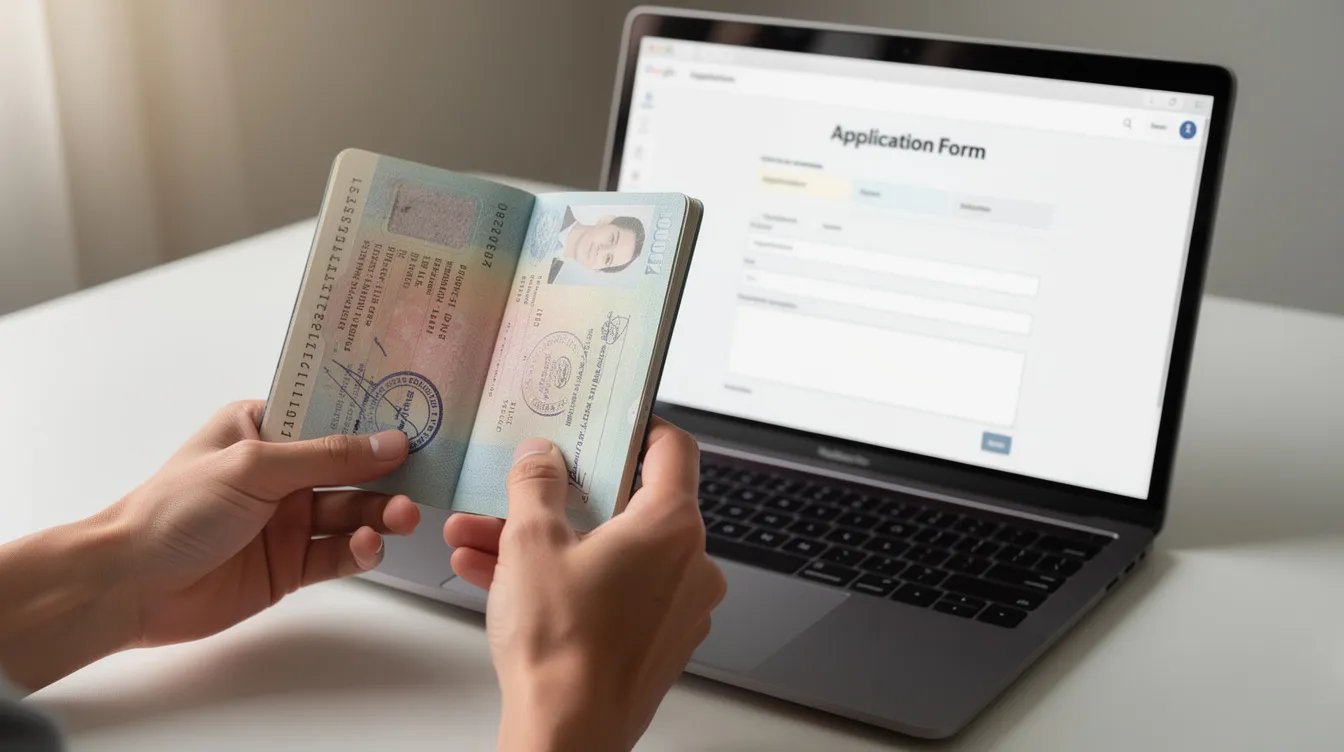
The "View and prove your immigration status" service is accessed via your UKVI account. It lets you check your rights to work, rent, study, or access services in the UK.
You can generate a share code - a 9-character alphanumeric code valid for 90 days - to give to employers, landlords, universities or airlines. When generating a code, you must select the purpose: "right to work," "right to rent," or "immigration status / for something else." The chosen purpose determines what data is shared, so choose carefully.
Before you generate a code, you can review what information will be shared: type of immigration status, visa expiry date, and any conditions such as limits on work hours for students.
Test your share code and confirm your details display correctly well before important events - a new job start date, university enrolment, or travel to the UK. Mistakes like unmatched names are a common reason codes are rejected.
Linking and Updating Your Identity Documents
If a person travels on a new passport that is not linked to their eVisa, airlines or border officers may not immediately find their immigration status. You must update your UKVI account with your current passport details whenever you receive a new document.
To add or update a passport in your account:
Sign in to your UKVI account
Select the option to update your travel document
Upload or scan the new passport using the UK Immigration: ID Check app
Confirm the change and ensure the old document is only removed once the new one is fully linked
From 11 March 2026, travel documents will link automatically to UKVI accounts, which should improve this process. However, name changes - for example after marriage - must still be reported with supporting evidence so that the eVisa and identity document match. Failing to do so risks refused boarding or additional delays at the border.
Tracking Applications and Fixing Problems with Online Visas
After you submit an online application, most applicants can track progress through their UKVI account. Many online applications provide real-time tracking and status updates via email and SMS from the UK Home Office or a visa application centre.
Common issues individuals face with visas online include:
Difficulty signing in to a UKVI account
Incorrect personal details on an eVisa
Problems generating a share code
Missing decisions after published processing times
Applicants can face technical issues such as website outages or payment failures
Digital access barriers can impact individuals lacking reliable internet or digital literacy
Check official guidance pages and online troubleshooting tools first. Have your application reference number, passport information, and date of birth ready. If problems remain, contact the UKVI Resolution Centre, use webchat, or - if you hold a sponsored visa - ask your employer or university immigration advice team to assist on your behalf.
FAQs
Do I still need to carry my passport if I have an online eVisa?
Yes. Travellers must always carry a valid passport or accepted identity document when entering or leaving the UK. The passport is used to match you to the digital record in UK Home Office systems, and travelling with a different or expired document can cause delays. Your destination country may also require a physical passport for entry.
Can I apply for all UK visas entirely online without visiting a visa centre?
The application form and fee payment are done online, but some visa types still require applicants to provide biometrics in person at a visa application centre. However, some nationalities or low-risk routes may be eligible for fully digital enrolment using the UK Immigration: ID Check app, which can remove the need to visit a centre. Check the language on your decision notice for guidance on your specific route.
What happens if my BRP or physical vignette expires but my eVisa shows a later date?
The online eVisa record is normally the controlling evidence of your immigration status and permission to remain, not the older expiry date on a BRP card or vignette. Ensure your UKVI account is created and your status appears correctly online before the physical document expires. Contact official support if the dates do not match.
How can I find the fastest way to get a UK visa decision?
The UK government offers priority and super-priority processing for certain visa types, which can significantly shorten waiting times for an additional fee. Check current processing times and fast-track options on the official government website before you apply, as availability, cost and speed vary by country and age of the application.
Can I have more than one UKVI account?
Applicants should only use a single UKVI account, created with a stable email address, to avoid confusion. If you suspect you have multiple accounts, contact UKVI support with full details - including your feedback reference if you received one - so records can be checked and, where possible, consolidated. Having duplicate accounts can hold up your ability to prove your immigration status or generate a valid share code.