Visa Provisioning Service: $0 Charges, Tokenization, and Mobile Payments Explained
If you've ever glanced at your bank statement and spotted a mysterious "$0 Visa Provisioning Service" entry, you're not alone. This line item confuses millions of cardholders every year, and the cryptic wording doesn't help. The good news is that it's almost always harmless. This guide breaks down exactly what Visa Provisioning Service is, why that $0 charge appears, and how the technology behind it keeps your money safe when you tap, click, or subscribe your way through daily life.
Key Takeaways
A "$0 Visa Provisioning Service" entry on your statement is a temporary zero-dollar authorization used to verify a Visa card when it's added to a wallet, app, or merchant account. It is a preauthorization check, not a purchase.
This $0 authorization does not remove funds from your bank account and typically disappears from online banking within one to seven days, depending on the issuer.
Visa provisioning relies on tokenization, which replaces the 16-digit card number with a unique token to secure mobile payments on NFC devices and connected apps.
The service is used by major companies like Amazon and Netflix, as well as digital wallets such as Apple Pay and Google Pay.
If you see repeated provisioning charges you don't recognize, or if a $0 entry lingers beyond about a week, contact your bank or card issuer immediately.
What Is Visa Provisioning Service?
Visa Provisioning Service is Visa's backend system that lets banks, merchants, and digital wallets securely link Visa payment accounts to a device or account. Think of it as the "setup step" that happens before you can tap your phone to pay or use a saved card for online checkout.
The provisioning service is a network feature operated by Visa. What consumers see on bank statements as "VISA PROVISIONING SERVICE" or "VPS $0" is simply the visible trace of that behind-the-scenes setup process.
The parties involved include Visa as the network, the issuer bank that issued your visa card, the merchant or wallet provider requesting access, and sometimes a third-party service provider that facilitates the connection.
The service works globally across major Visa cards-credit, debit card, and prepaid-whenever they're enrolled in mobile payments or stored for frictionless checkout.
Visa provisioning also facilitates instant activation of virtual cards for urgent purchases, making it useful far beyond physical plastic.
At its core, the service links Visa payment accounts to smartphones, wearables, and online merchant accounts so that future transactions are faster and more secure.
What Does the $0 Visa Provisioning Service Charge Mean?
When you see a "$0" or "$0.00" Visa Provisioning Service charge, it means your card is being checked-not charged. Here's what's actually happening and what to look for.
The $0 charge is a preauthorization check. It confirms that your card is open, active, and not reported lost or stolen. It verifies the validity of your payment method without moving any money.
The charge appears in your transaction history but holds no funds. Your available balance stays the same.
Common statement descriptors include "VISA PROVISIONING SERVICE," "VISA TOKEN SERVICE," "GOOGLE TEMPORARY HOLD," or merchant-specific notations like "APPLE PAY PROVISIONING."
This entry usually appears when you add a visa card to Apple Pay, Google Pay, Samsung Pay, or when a merchant like Netflix, Amazon, or Starbucks saves your card for recurring or one-click payments.
The $0 charge should roll off your account in about seven days. Most issuers display it as "pending" for anywhere from a few minutes to a full week before it disappears automatically.
If the provisioning request is declined, another card number can be requested, or you can re-attempt with updated details.
How Visa Provisioning Works Behind the Scenes
The process behind that brief $0 entry is a coordinated exchange between multiple systems. Here's the simplified flow of what happens when provisioning kicks in.
You submit your Visa card details to a merchant or wallet app. The app or website forwards a provisioning request through the Visa network to your issuer.
The issuer verifies the card: Is the account number valid? Is the card active? Is the security code correct? Is the account in good standing? This verification step is what triggers the $0 authorization.
Once the issuer approves, Visa generates or links a payment token to that specific device or app. The card is now "provisioned" and ready for future transactions without retyping the full card number.
This complete process can happen in seconds. It speeds up transaction times by validating accounts quickly, so future payments are nearly instant.
Provisioning can be triggered again when users re-install apps, change devices, or re-add a saved debit card or visa card. Each of these events may produce another $0 entry on your statement.
The $0 authorization is a verification event, not a payment. No funds leave your account during this process.
Visa Token Service and Tokenization Explained
Tokenization is the security backbone of Visa provisioning. In simple terms, it swaps your real card data for a stand-in code that's useless to anyone who intercepts it.
A "token" is a surrogate value that replaces the 16-digit primary account number (PAN) for transactions made through Visa provisioning. Tokenization replaces account numbers with unique tokens, keeping your real data out of merchant systems.
Tokens are generated by Visa Token Service and are unique to combinations of card, device, and service provider. For instance, the same debit card will have different tokens in Apple Pay and Google Pay.
Merchants and mobile apps receive and store tokens instead of real card numbers. Tokens replace account numbers to protect sensitive information, dramatically reducing the impact if a retailer's system is breached.
Tokens are unique identifiers specific to each transaction context. They can be scoped-valid only at one merchant or on one phone-and can be suspended or revoked without cancelling the underlying visa card.
Tokenization is essential for secure digital transactions. Visa has issued more than 10 billion tokens across 189 markets, with over 8,500 issuers and 1.2 million merchants participating.
Step-by-Step: What Happens When You Add a Card to a Mobile Wallet
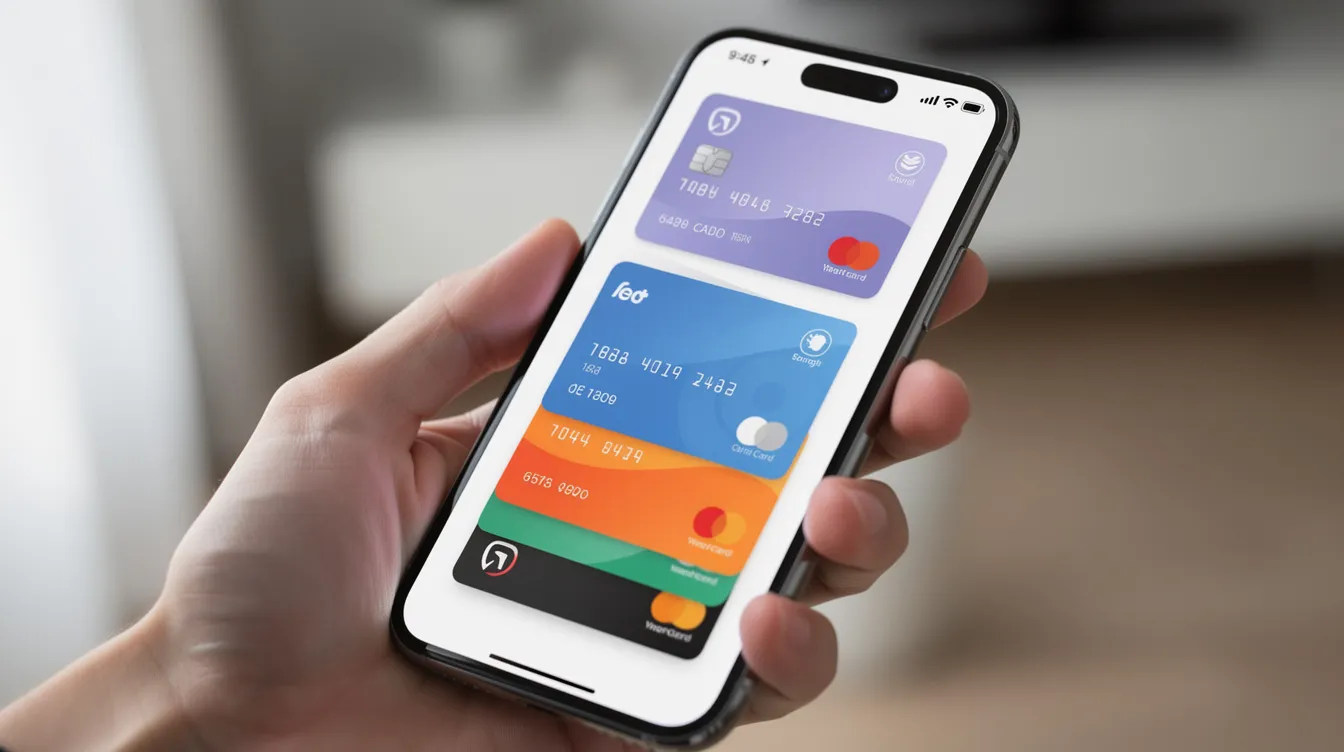
Adding a card to a wallet feels instant, but there's a carefully choreographed sequence happening beneath the surface. Here's the order of operations.
You open Apple Pay, Google Pay, or Samsung Wallet, tap "Add card," and enter or scan the visa card details. The app captures the card information, including the account number and security code.
The wallet sends an encrypted request to Visa and the issuer bank asking to provision that specific card to that specific device.
Visa and the issuer verify your identity and card status. This is where the $0 Visa provisioning service authorization is created and checked. Some issuers may send you an OTP or request in-app confirmation as an extra step.
Once approved, Visa Token Service returns a device-specific token and cryptographic keys. The wallet stores these in secure hardware on your phone, such as a Secure Element or Trusted Execution Environment.
From that point on, each tap-to-pay or in-app purchase uses the token and dynamic cryptograms-not the original card number. Google Pay integrates Visa provisioning for mobile payments in exactly this way, as does Samsung, which uses Visa provisioning for its payment solutions.
Using Visa Provisioning with NFC Mobile Payments
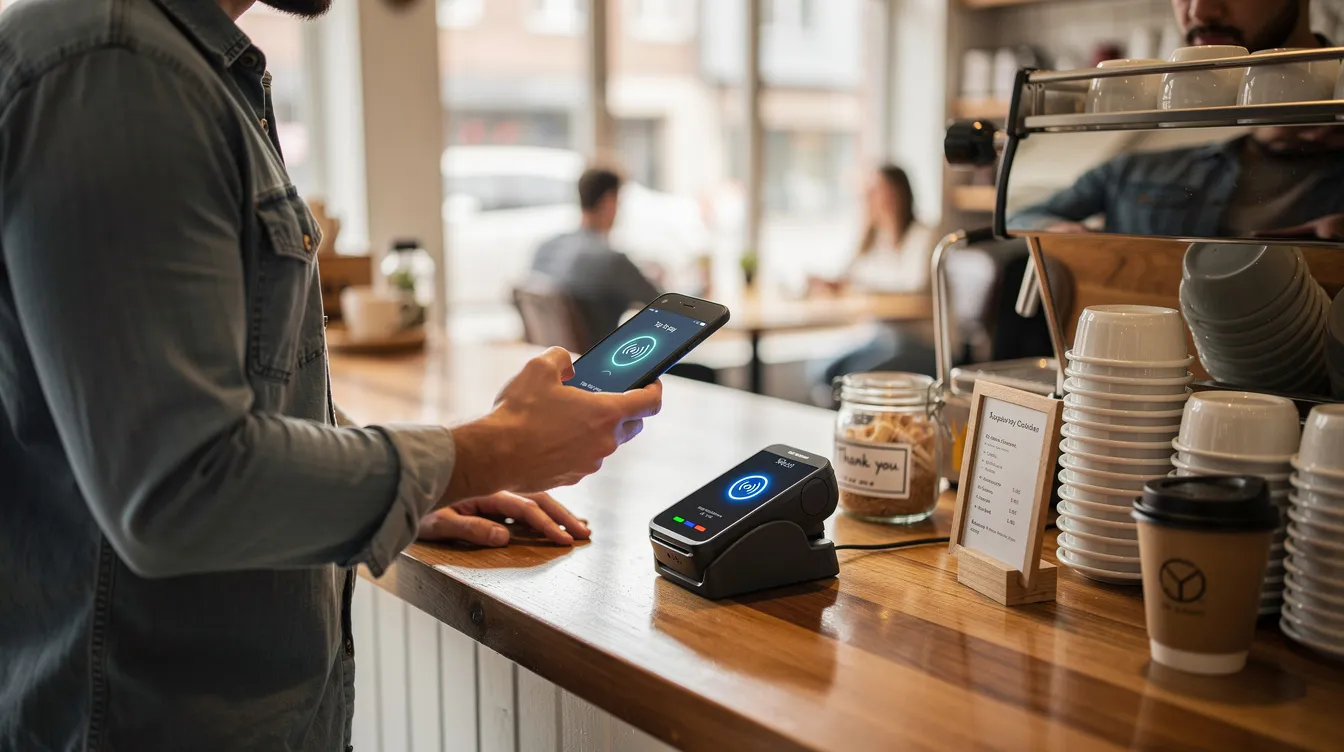
NFC, or Near Field Communication, is the technology that lets you pay by holding your phone near a terminal. Visa provisioning is the step that makes this possible.
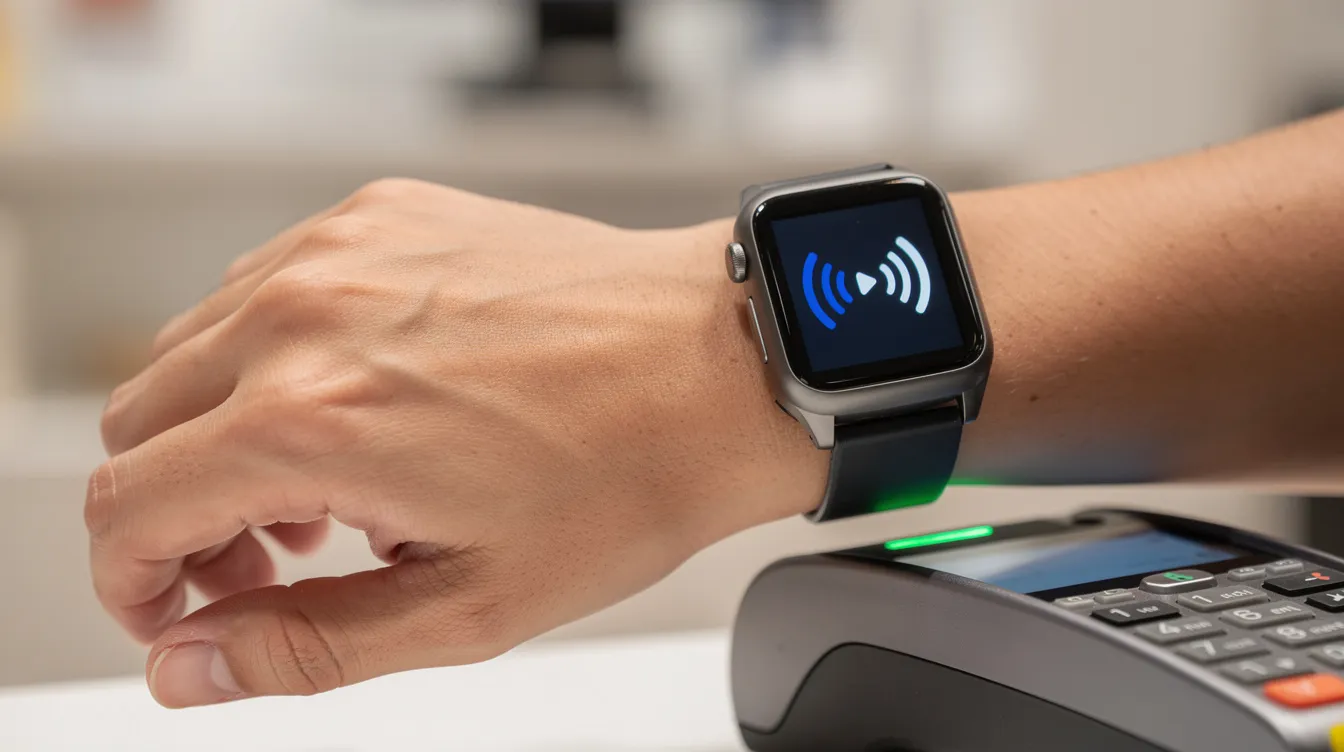
NFC allows contactless payments by holding an NFC-enabled phone or wearable within a few centimeters of a payment terminal. The NFC chip in your device handles the short-range wireless communication.
Visa provisioning is the step that loads tokenized Visa card credentials into the NFC-capable device. Without provisioning, the phone has no payment data to transmit. Visa Provisioning Service activates mobile payments using NFC technology.
Visa Provisioning Service enables mobile payments via NFC technology on many Android phones and most iPhones sold since around 2014. However, NFC may be disabled or restricted by network operators in some markets.
Visa provisioning supports contactless payments through digital wallets like Apple Pay. Once provisioned, you can tap-to-pay with your device at any contactless-enabled terminal that accepts Visa-no physical card needed.
Where You're Likely to See Visa Provisioning Service in Everyday Life
Visa provisioning isn't just for tech enthusiasts. It quietly powers payment setups across services you probably use every day.
Amazon uses Visa provisioning for payment processing when you save a card to your account. Netflix utilizes Visa provisioning for subscription payments when you enroll your card for monthly billing. Starbucks employs Visa provisioning for all transactions processed through its app.
Other common services include app stores, ride-hailing apps, food-delivery platforms, and recurring utility or telecom bills. The service is used by major companies like Amazon and Netflix, and extends to hundreds of other merchants.
Specific scenarios include saving a Visa card for "1-click" checkout on a shopping website, enabling a card for a streaming subscription, or storing a debit card as a transit pass in a city's mobile ticketing app. Transit operators use Visa provisioning alongside banks for seamless tap-to-ride payments.
Each time a new device is linked or a card is re-added, a fresh provisioning event-and often a $0 authorization-can occur.
Banks may group these entries under generic descriptors like "VISA PROVISIONING SERVICE" or under the name of the merchant or wallet, making it hard to tell where the request came from.
Security Benefits of Visa Provisioning and Tokenization
The primary purpose of tokenization and provisioning is fraud reduction. Here's how it protects your money.
Replacing the real card number with a token significantly reduces the impact of merchant data breaches and skimming malware. Tokens protect sensitive payment information during transactions, so even if a retailer's database is hacked, your actual account number stays hidden.
Each transaction is accompanied by dynamic data-cryptograms and unique identifiers-so intercepted details cannot simply be replayed. Visa's tokenization process prevents unauthorized purchases by making each authorization unique.
It allows secure transactions without exposing account numbers to merchants, apps, or devices. Visa's data shows tokenized credentials have a 39.4% lower fraud rate compared to non-tokenized credentials globally.
Issuers can quickly deactivate a compromised token without forcing the customer to replace their physical visa card.
Cardholder verification methods-PIN, device passcode, biometrics like fingerprint or facial recognition-add another layer of security beyond the token itself.
Risks, Misunderstandings, and When to Be Concerned
Most provisioning entries are completely benign. But it's worth knowing the difference between a normal event and a genuine red flag.
A one-off $0 Visa provisioning service entry shortly after adding a card to a wallet or service is normal. It should disappear automatically within a few days.
Warning signs to watch for include multiple repeated provisioning attempts you don't recognize, $0 checks from unfamiliar merchants, or small test transactions for non-zero amounts that you did not authorize.
If the $0 status converts to a posted real charge you don't recognize, or if a "pending" entry persists beyond about seven days to nine days, contact your issuer immediately.
Visa estimated $450 million in global token provisioning fraud losses in 2022, which led to the launch of Visa Provisioning Intelligence (VPI), a machine-learning service that scores provisioning requests in real time to flag risky ones.
Recommended immediate actions for suspected fraud: lock the card in your mobile app if available, call the bank's 24/7 number, review recent mobile payments on your phone, and decide whether to request a card replacement.
Visa Provisioning and Different Card Types (Debit, Credit, Prepaid)
The provisioning mechanism is broadly similar across card types, but the user experience can differ depending on whether you're using credit, debit, or prepaid.
Visa credit cards, Visa debit cards, and Visa-branded prepaid cards can all be provisioned into mobile wallets and merchant systems if the issuer supports it.
A key difference for a debit card: provisioning might trigger real-time balance and fraud checks since it connects directly to a bank account. Some financial institution systems treat debit provisioning with extra scrutiny.
Prepaid Visa cards may have additional checks such as ID verification or region restrictions before provisioning is approved by the card provider.
The $0 authorization logic is broadly the same, but some issuers convert it to a tiny test hold (for instance, $0.01) in certain countries or for specific merchants. These small amounts are reversed and do not result in a net deposit or charge.
How Long Do Authorizations and Holds from Visa Provisioning Last?
Timing is controlled largely by issuers and network rules. Here's what to expect for different types of holds.
Zero-dollar provisioning checks usually fall off within hours, but banks commonly display them in online banking for up to seven days.
General Visa authorizations for real purchases can last anywhere from 1 to 30 days, and sometimes up to 90 days in special sectors like travel or car rentals.
A "hold" is different from a $0 authorization because it temporarily earmarks a real amount from available funds until the merchant clears or releases it. A provisioning authorization, by contrast, holds no funds at all.
If a $0 entry persists longer than the issuer's standard timeframe, customers should contact support through the bank's app, website, or phone line. Delays beyond a week are typically outliers caused by bank system backlogs.
Visa Provisioning vs. Other Kinds of Provisioning Services
The word "provisioning" shows up in many technology contexts. Here's how Visa's version differs from broader IT usage.
In tech and telecom, provisioning might refer to setting up user accounts, allocating storage, or configuring data access for network operators. It generally means "preparing something for use in advance."
Visa provisioning specifically refers to enabling a card for digital and mobile payments by generating and managing tokenized credentials. It's focused on payment method setup, not general IT access.
Confusion arises because bank statements or documentation may use generic language like "provisioning service" without naming Visa or the merchant, making it look like an unrelated technology charge.
Although the concepts overlap-both involve setting something up-Visa's system is entirely about payment credentials and token management.
Service Providers Involved in Visa Provisioning
Multiple parties work together to make provisioning happen. Understanding the ecosystem helps you know whom to contact if something goes wrong.
The issuer-the bank or financial institution that issued your visa card-is the primary decision-maker for approving or declining provisioning requests. They authorize the token creation on behalf of the customer.
Digital wallet providers (Apple Pay, Google Pay, Samsung Pay) and large merchants (Amazon, Netflix) act as service providers that initiate provisioning on behalf of customers when a card is added or updated.
Payment gateways and processors also act as intermediaries, passing tokenization and provisioning requests between merchants, Visa, and issuers. The service is used by banks and transit operators for payments as well.
All these parties follow Visa's security requirements and tokenization standards (including EMVCo specifications) to maintain consistent protection across devices and regions.
Managing and Deactivating Provisioned Visa Cards on Your Devices
You have full control over which devices and apps can use your provisioned cards. Here's how to manage them.
You can remove a provisioned visa card directly from wallet settings on your phone, watch, or tablet. In Apple Wallet, tap the card and choose "Remove." In Google Pay, go to the payment method and delete it.
Most issuers provide a dashboard within their banking app or online portal where customers can view and revoke "digital card" or "token" enrollments. Search for "manage digital wallets" or "device management" in your bank's app.
When a phone is lost or replaced, remotely wipe or at least remove provisioned cards from old devices using wallet or bank tools. This prevents anyone from using the provisioned token on your lost device.
Deactivating a token or removing it from a device does not cancel the underlying physical visa card. Your plastic card remains valid and usable unless you explicitly request a replacement from your card provider.
Costs, Fees, and Visa Provisioning Service Charges
One of the most common questions is whether provisioning costs anything. The short answer: it shouldn't.
Visa Provisioning Service charges are typically $0 for authorization. The zero-dollar entry is not a fee but an authorization test that does not reduce your available balance.
Visa Provisioning Service charges are typically $0, ensuring no funds are held. No money leaves your account during provisioning.
Behind the scenes, interchange fees, assessment fees, and authorization fees are exchanged between merchants, acquirers, and issuers. These are a cost of doing business for the merchant and are not typically charged directly to the consumer.
If a bank shows small temporary test amounts (such as $0.01) instead of $0, these are also reversed and should not result in net charges or affect your deposit balance.
Check your cardholder agreement or fee schedule for any special conditions. For instance, foreign transaction fees could apply if you use mobile payments abroad, even though the provisioning step itself carries no cost.
Advantages and Limitations of Visa Provisioning Service
Like any technology, Visa provisioning comes with trade-offs. Here's a balanced view.
Advantages:
Faster checkout-tap your phone or select a saved card instead of typing details each time.
Reduced exposure of real card data across merchants and apps.
Global acceptance across millions of Visa-accepting merchants worldwide. According to Visa's 2026 eCommerce Payments & Fraud Report, 72% of merchants now use some form of tokenization.
Tokenized transactions show approximately 4.6% higher authorization rates compared to PAN-based transactions, meaning fewer declined payments.
Businesses can specify spending controls with provisioned cards, such as limiting token usage to specific merchants or transaction types.
Provisioning supports a consistent user experience across online, in-app, and in-store payments via the same tokenized visa card.
Limitations:
Requires compatible devices-an NFC chip-enabled phone or a supported browser and app.
Occasional provisioning errors can occur, especially with older devices or unsupported issuer configurations.
Cryptic $0 statement entries often confuse consumers who don't understand what provisioning means.
Privacy note: while real card numbers are protected, transaction metadata (merchant, date, amount) is still processed by issuers and sometimes wallet providers for fraud detection and analytics.
Best Practices for Consumers Using Visa Provisioning and Mobile Payments
A few simple habits can keep your provisioned cards secure and your statement clean.
Enable strong device security-PIN, long passcode, fingerprint, or facial recognition-before adding Visa cards to mobile wallets. Your device lock is the first line of defense.
Review your wallet and card transaction history regularly, especially after adding a card to a new app or device, to understand normal provisioning entries.
Turn on bank alerts (SMS, email, or push notifications) for new device provisioning events or first-time transactions at new merchants. Most banking apps let you customize these in the alerts or notifications page.
Remove cards from wallets you no longer use and de-provision old devices before selling or recycling them. Don't leave an active token on a device you no longer control.
Contact your issuer immediately if you notice unknown provisioning attempts, unexpected card-on-file setups, or suspicious mobile payments you didn't authorize.
Treat provisioning alerts the same way you'd treat a purchase notification. If you didn't request it, investigate immediately.
Future Trends: Visa Provisioning, Connected Devices, and Emerging Payment Methods
Visa provisioning is evolving beyond phones and watches. Here's where the technology is heading through 2026 and beyond.
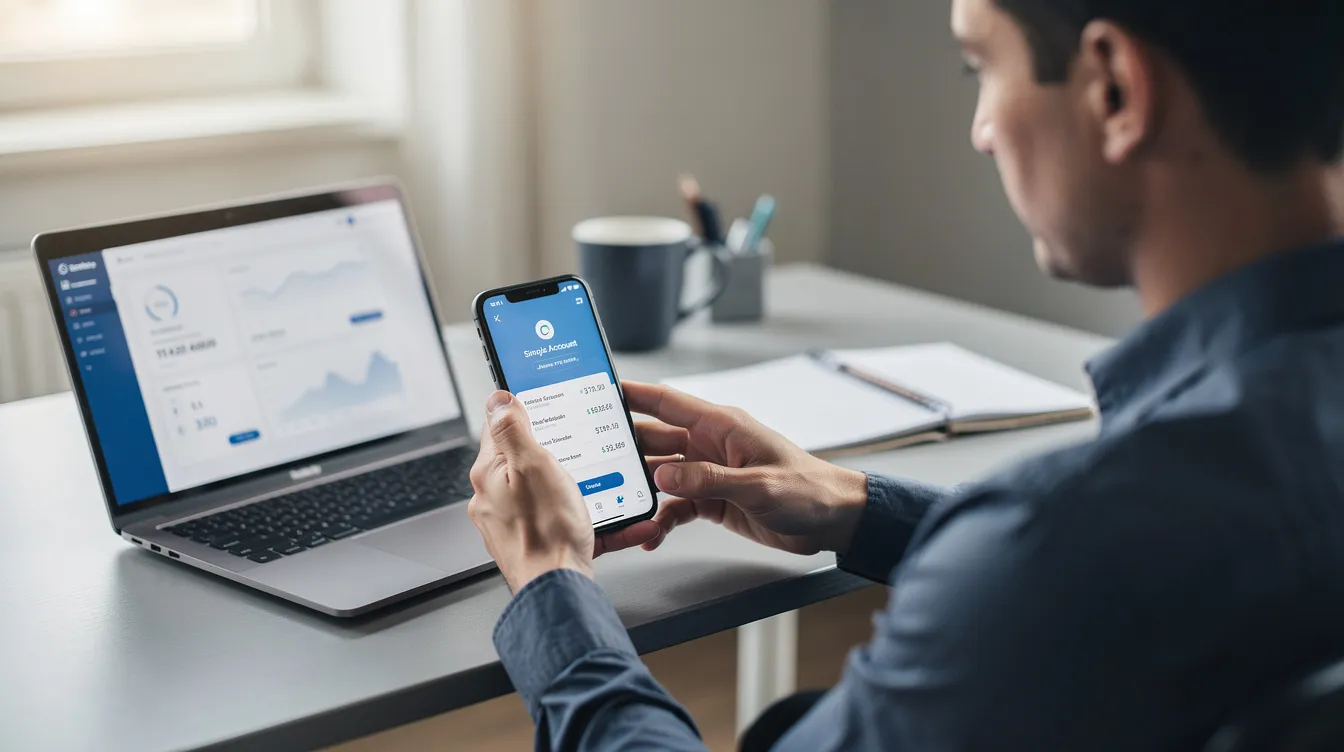
Tokenization is expanding into wearables, cars, smart TVs, and IoT devices that can initiate Visa card payments using provisioned tokens. Your car's infotainment system or a smart refrigerator could eventually store a token to complete a purchase on your behalf.
Card-on-file provisioning is expected to grow alongside subscription platforms, "buy now, pay later" services, and super-apps that bundle multiple services under one account.
Industry efforts to standardize tokenization across card networks may make visa provisioning more seamless when users switch devices or wallets, reducing friction during phone upgrades.
Regulators may continue to refine rules on data protection, consent, and strong customer authentication, affecting how provisioning flows are designed and communicated to consumers.
Machine-learning tools like Visa Provisioning Intelligence will become more sophisticated, helping issuers decide in real time whether to accept or decline a provisioning request based on risk scoring.
FAQ – Visa Provisioning Service, $0 Charges, and Card Security
Why do I see "Visa Provisioning Service $0" on my bank statement if I didn't buy anything?
This entry usually appears when a merchant, app, or digital wallet attempts to link your visa card for future use-such as storing it for subscriptions or mobile payments. You may have triggered it indirectly by signing up for a free trial, updating payment details in an app, or adding your card to a new device. If you truly did not authorize any such action, contact your issuer's fraud department to investigate and possibly replace the card. The charge appears in transaction history but holds no funds, and should disappear within a few days.
Can someone abuse Visa Provisioning Service to make unauthorized payments with my card?
Successful provisioning usually requires multiple checks, including issuer approval, device validation, and sometimes extra verification such as one-time codes or in-app confirmation. If card data is stolen, criminals might attempt provisioning, but issuers monitor for suspicious requests and can decline them or demand step-up authentication. Keep your contact details updated with your bank, enable alerts, and report unexpected provisioning notifications or one-time codes that you did not request. Visa's tokenization process prevents unauthorized purchases by ensuring tokens are scoped and revocable.
How can I tell whether a $0 authorization came from a legitimate merchant or wallet?
Check the descriptor text on the transaction-look for terms like "APPLE," "GOOGLE," "NETFLIX," or the name of an online store you recognize-and compare the exact date and time to your recent actions. Cross-check with recent app installs, device changes, or web sign-ups where you entered your visa card or debit card details. If neither the descriptor nor any recent activity rings a bell, call the number on the back of your card and ask the support team to identify the originating merchant or service provider. They can typically search the authorization and obtain those details for you.
Does removing my card from a mobile wallet stop future Visa Provisioning Service entries?
Removing the card from a wallet stops that specific device or app from initiating new token-based payments and should prevent further provisioning attempts from that wallet. However, if the same card remains saved with other merchants or services-for example, streaming platforms or online marketplaces-they can still trigger provisioning if they refresh tokens or update credentials. Review and clean up all places where your visa card is stored on file if you want to minimize unexpected provisioning events.
Is there any way to completely disable Visa Provisioning on my card?
Options vary by issuer. Some banks allow customers to restrict card-on-file or mobile-wallet usage through their app or by calling support, while others do not expose such controls publicly. Ask your financial institution whether they can block digital wallet provisioning or limit the card to physical, in-person chip-and-PIN use only. Keep in mind that disabling provisioning will reduce convenience for mobile payments and subscriptions, so weigh your security preferences against everyday usability before you submit that request.